
Keep Every Listing In Season
Out-of-season photos flagged — and restyled before buyers notice.
A cozy turtleneck shot against snow sells in December and dies in June. TinTin's free Shop Radar knows which garments belong to which season and which retail moments are coming up — it flags out-of-season listing photos daily, and AI try-on restyles them for the season buyers are actually shopping, in one click.

What is Seasonal Listing Refresh?
Seasonal Listing Refresh is a workflow that finds listing photos styled for the wrong season and restyles them on-model with AI for the current or upcoming retail moment.
Radar reads your public listings daily across Shopify, Etsy, Amazon and five more platforms, matching each garment's category to the season and the retail calendar — so swimwear gets flagged in November, knits in June, and holiday categories get a heads-up weeks before the moment they sell for.
Each flag comes with a one-click AI reshoot: the same garment, restyled on-model for the right season — a light layered look for a summer dress in September, a bright daylight scene for a winter knit sold off-season. Monitoring is free; you only spend credits on reshoots you run.
Season-right photos, without re-shooting every quarter.
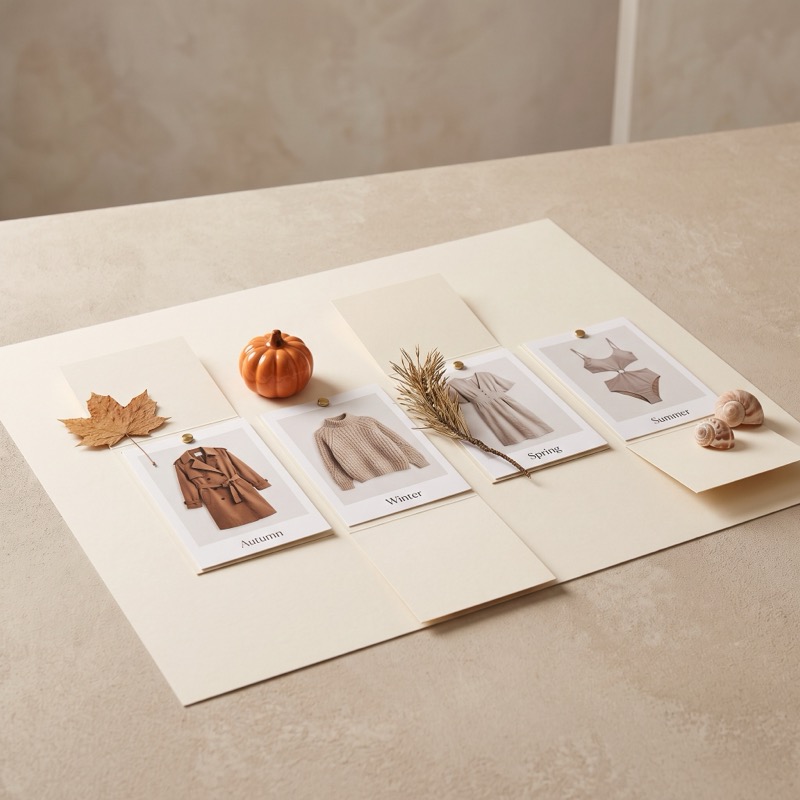
A Retail Calendar That Watches Your Catalog
Radar pairs every garment category with the seasons and retail moments it sells for — Labor Day, Halloween, fall/winter — and flags listings whose photos point the wrong way, with enough lead time to fix them before the traffic arrives.
- Season signals — winter knits flagged in June, swimwear in November
- Calendar signals — a heads-up weeks before key retail moments
- Daily checks, weekly Monday digest
- Free forever — flags never cost credits
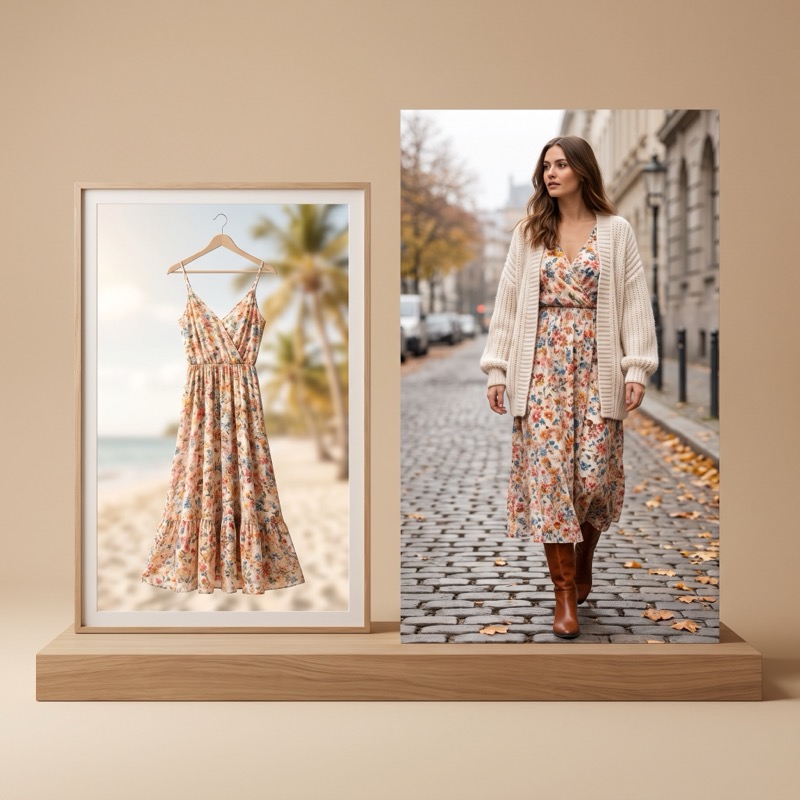
Same Garment, Right Season
The reshoot restyles your existing product for the season buyers are shopping: a summer dress layered with a light cardigan for early autumn, a knit shot in warm off-season daylight. One click sends the listing photo into the AI try-on studio; minutes later it's listing-ready.
- On-model restyling in the target season's look
- Scene, light and styling match the retail moment
- 1 credit per reshoot — only when you run it
- Original listing photo stays untouched until you publish
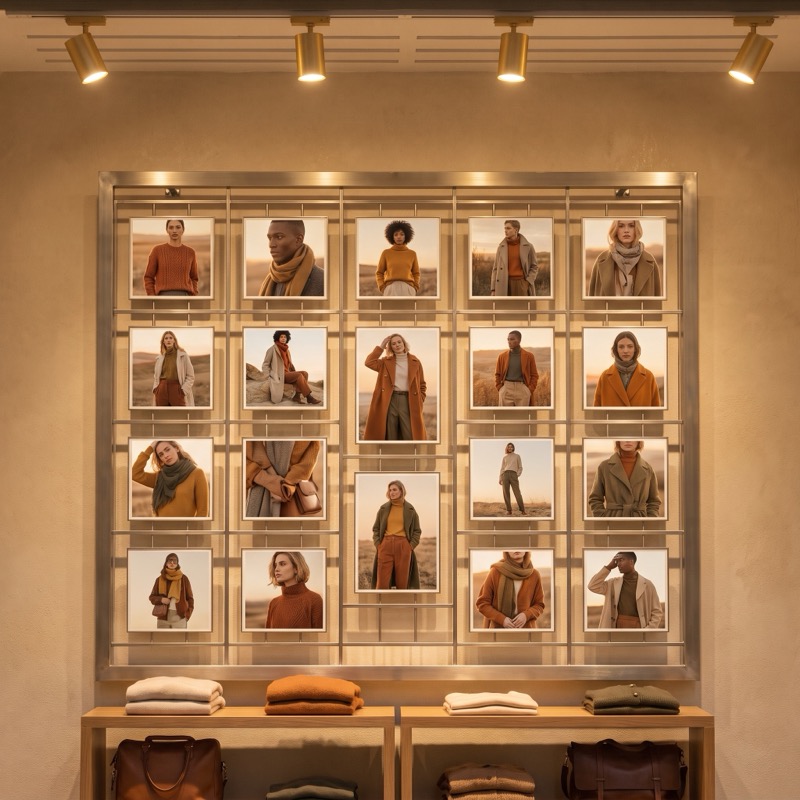
Clearance Stock Becomes Shoulder-Season Stock
Off-season inventory doesn't have to wait for next year. Re-framing a summer piece as transitional-season clothing — or a winter piece as a cozy year-round staple — keeps it selling months longer, and Radar tells you exactly which listings are worth the credit.
- Re-frame off-season stock instead of discounting it
- Seasonal shoot guides pair with each retail moment
- Works across 8 platforms with just a link
- No account access — public listing data only
Questions sellers ask first.
How does Radar know a photo is out of season?
It classifies each garment's category and matches it against the current season and the retail calendar. A knit photographed against snow gets flagged as summer approaches; swimwear gets flagged as winter sets in.
Does the reshoot change my product?
No — the garment stays exactly as it is. Only the model, scene, light and styling change to match the season you're selling into.
What does this cost?
Monitoring, season flags and the weekly digest are free forever. A reshoot costs 1 credit, and only when you choose to run it.



Never Sell Winter in June Again
Connect your shop with a link and Radar flags every out-of-season photo — free forever.