
AI Virtual Try-on
Your product + your model in. One perfect on-model shot out.
Upload your product photo plus a photo of the model you want wearing it. TinTin dresses your model in your product and returns a studio-quality on-model image in minutes — ready for your listing, ads, and social.
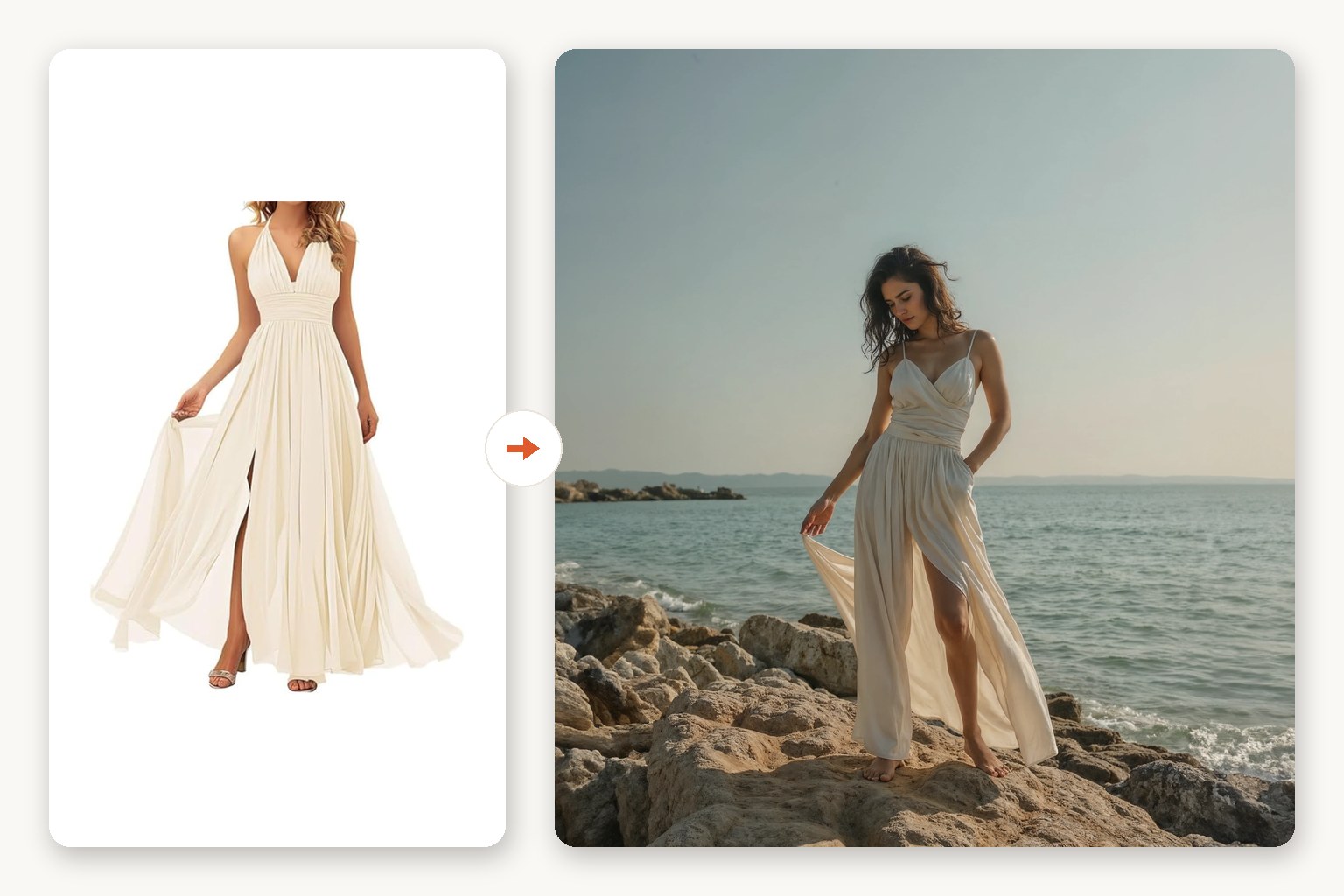
See it on a model, right now
Free · no signup, no card150+ more models after you sign up.
From one photo to publish-ready in three steps.
Upload your product photo
Flat-lay, mannequin, ghost-mannequin, or a rough phone shot — any single clear photo of the product works.
Add your model (and scene)
Upload a photo of the model you want wearing it, plus an optional background/scene. Then set the fit, product type, and aspect ratio.
Download in minutes
Get a high-resolution, watermark-free image ready for your product page. Not quite right? Regenerate with one click.
Studio results without booking a studio.
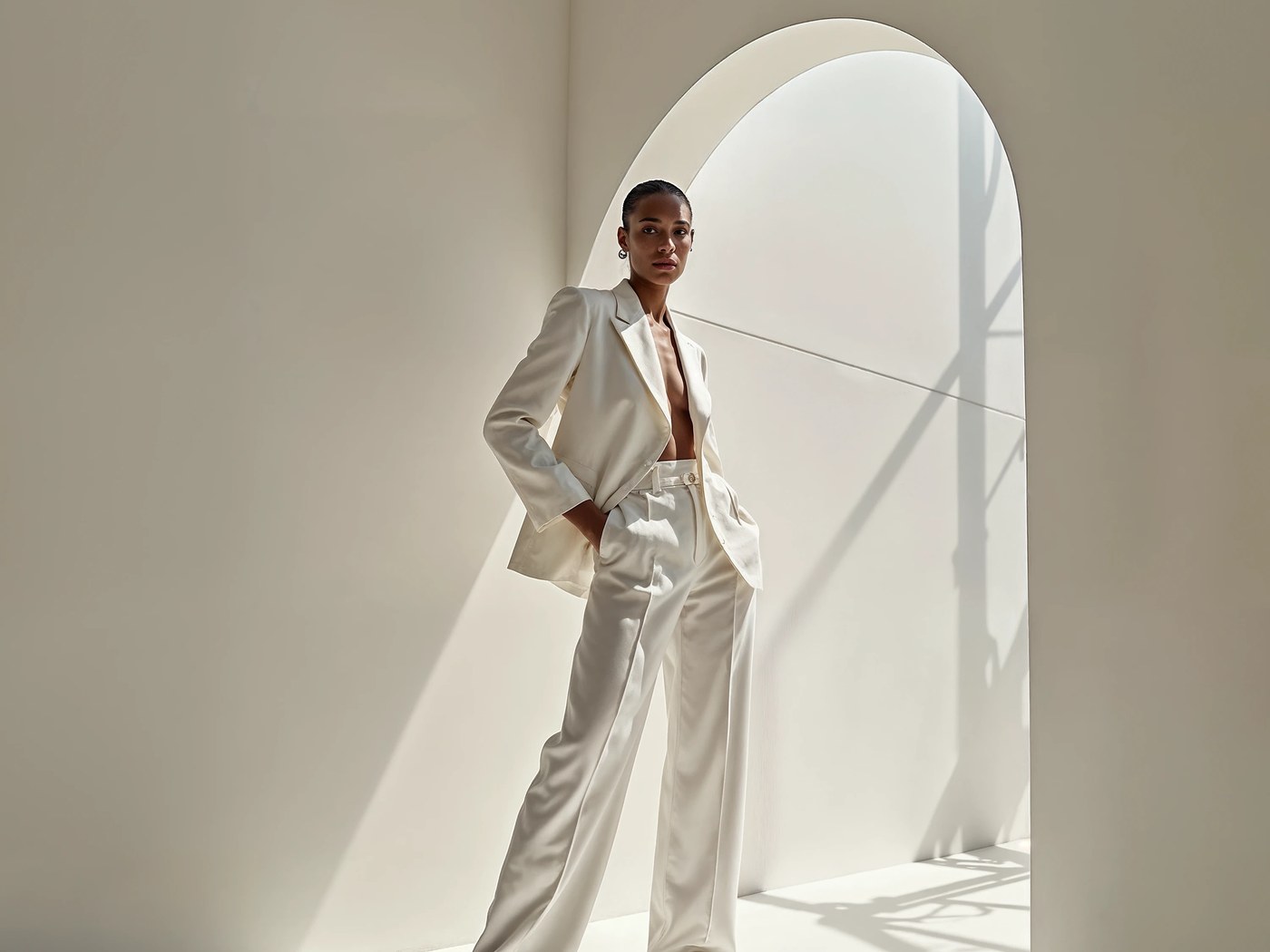
A photoshoot's worth of quality, minus the photoshoot.
No photographer, no model casting, no shipping samples. One upload replaces the entire booking — and the result holds up next to real studio photography.
- Minutes, not weeks from photo to publish
- Natural fit and drape on a photoreal model
- True-to-life lighting, hands, and shadows
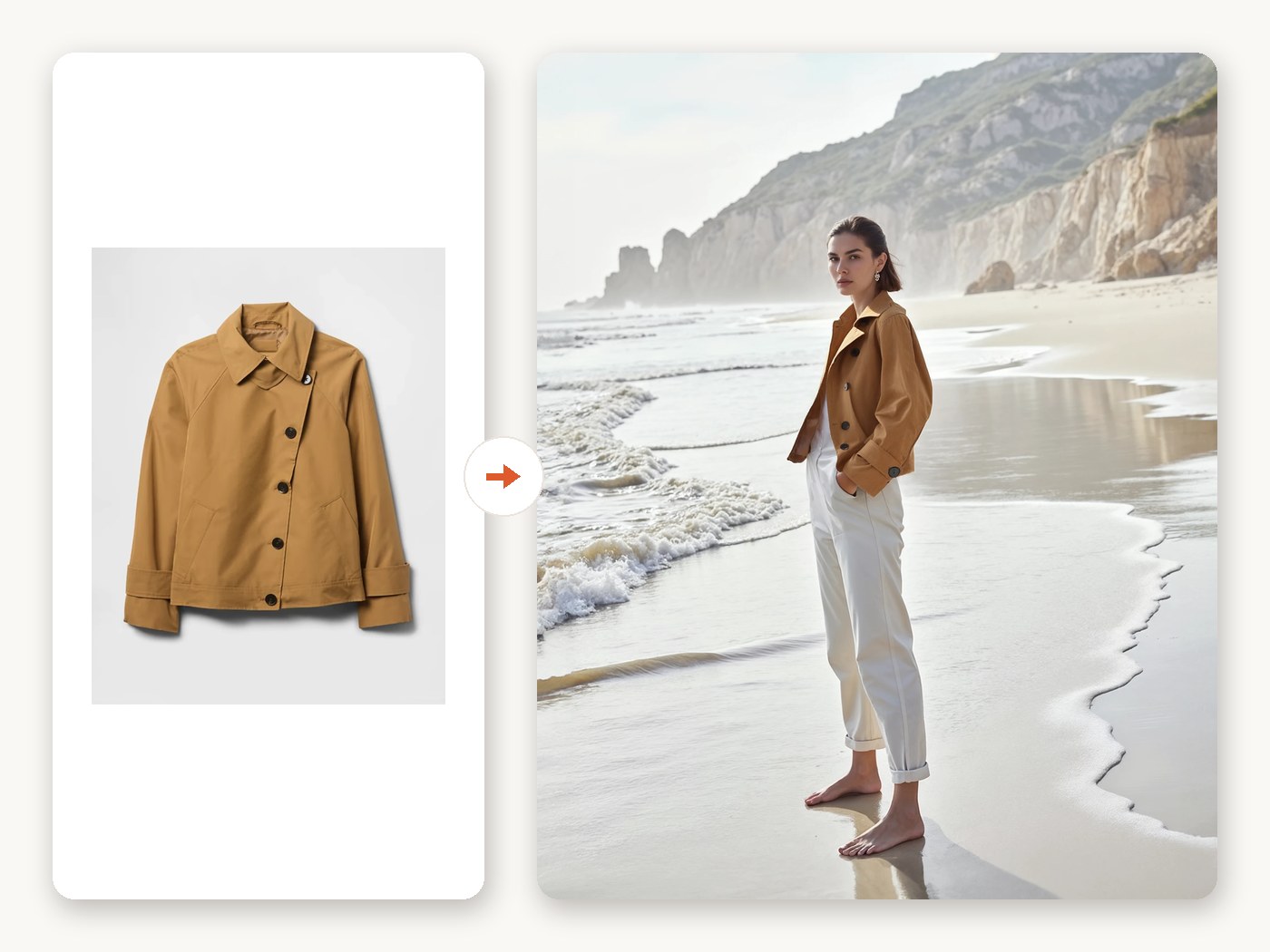
Your product, faithfully rendered. Nothing invented.
The try-on engine is garment-aware: it keeps prints aligned, seams straight, and fabric behaving like the real material — and it only dresses the model in what you uploaded. No made-up matching pants, no surprise accessories, no restyled outfit.
- Pattern preservation down to fine prints
- Material-true drape for knit, woven, and stretch
- Color-accurate output for fewer returns
- Nothing invented — the rest of the model's outfit stays untouched
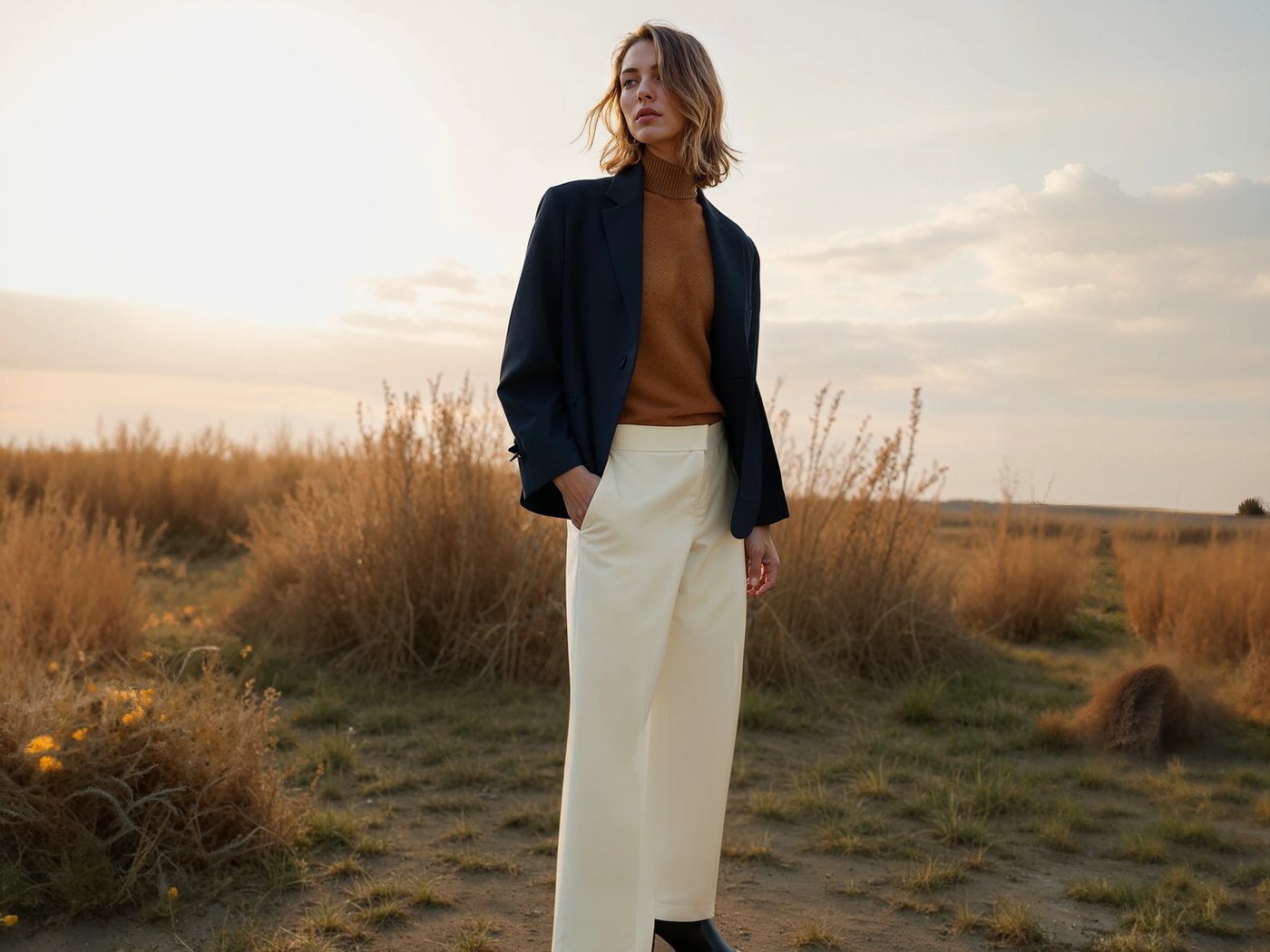
Start with one. Scale when you're ready.
No minimums and no batch setup — perfect for a new drop, a hero SKU, or testing a product before committing. When your catalog grows, the same workflow scales with Bulk AI Try-on.
- No minimums — generate exactly one image
- Listing-ready sizes for Shopify, Etsy, Amazon, and ads
- One-click upgrade to bulk when you scale
What sellers ask first.
What kind of product photo do I need?
Any single clear photo works: flat-lay, mannequin, ghost-mannequin, or a phone shot on a plain surface. Front-facing, evenly lit photos give the best results.
How long does one image take?
A single try-on typically renders in under two minutes. Regenerating with a different model, pose, or background takes the same.
Can I choose the model?
Yes — you bring the model. Upload any clear photo of the person you want wearing the product, and reuse the same model photo across products so your store looks consistent.
Can I use the images commercially?
Yes — outputs are high-resolution, watermark-free, and yours to publish on your storefront, marketplaces, ads, and social channels.
Will it add or change clothes I didn't upload?
No. The engine applies only the product you uploaded and leaves the rest of the model's outfit exactly as it is — it won't invent matching bottoms, swap in different pants, or turn one garment into a full set. If you upload a shirt, you get your shirt on the model, nothing more.
What happens if a generation fails?
You're automatically refunded. Failed generations return their credits to your balance on their own — no support ticket needed. You only pay for images you actually receive.
Does it work for swimwear, lingerie, and underwear?
Yes. Alongside everyday apparel, TinTin runs a dedicated model path tuned for swimwear, bikinis, lingerie, and underwear, so beachwear and intimates render cleanly and true-to-fabric on a photoreal model. Regular clothing — tops, bottoms, dresses, full outfits — is fully supported in the same one-photo flow.
How is this different from Bulk AI Try-on?
AI Virtual Try-on is built for one product at a time — no CSV, no batch setup, results in minutes. Bulk AI Try-on runs the same engine across an entire catalog in one upload.
Your first on-model photo is minutes away.
Upload one product photo and see it on a model before you commit to anything.