
AI Background Changer for Any Scene
Swap any product backdrop in seconds.
Remove backgrounds with 1 click or replace them using text prompts or reference photos. Create high-end visuals for commercial use in seconds.

What is Background Changer?
An AI background changer — also called background remover, background replacer or scene swap — is an editing tool that cuts a product out of its original photo and either drops the background entirely or replaces it with a new scene described in words or supplied as a reference image.
Strip the background instantly, or replace it with a text prompt or a reference photo, to place your product in any scene. Get clean, marketplace-ready visuals — white-background heroes or lifestyle backdrops — in seconds, with no studio. It is built for sellers who need consistent product imagery across every channel.
Background Changer for modern ecommerce teams.

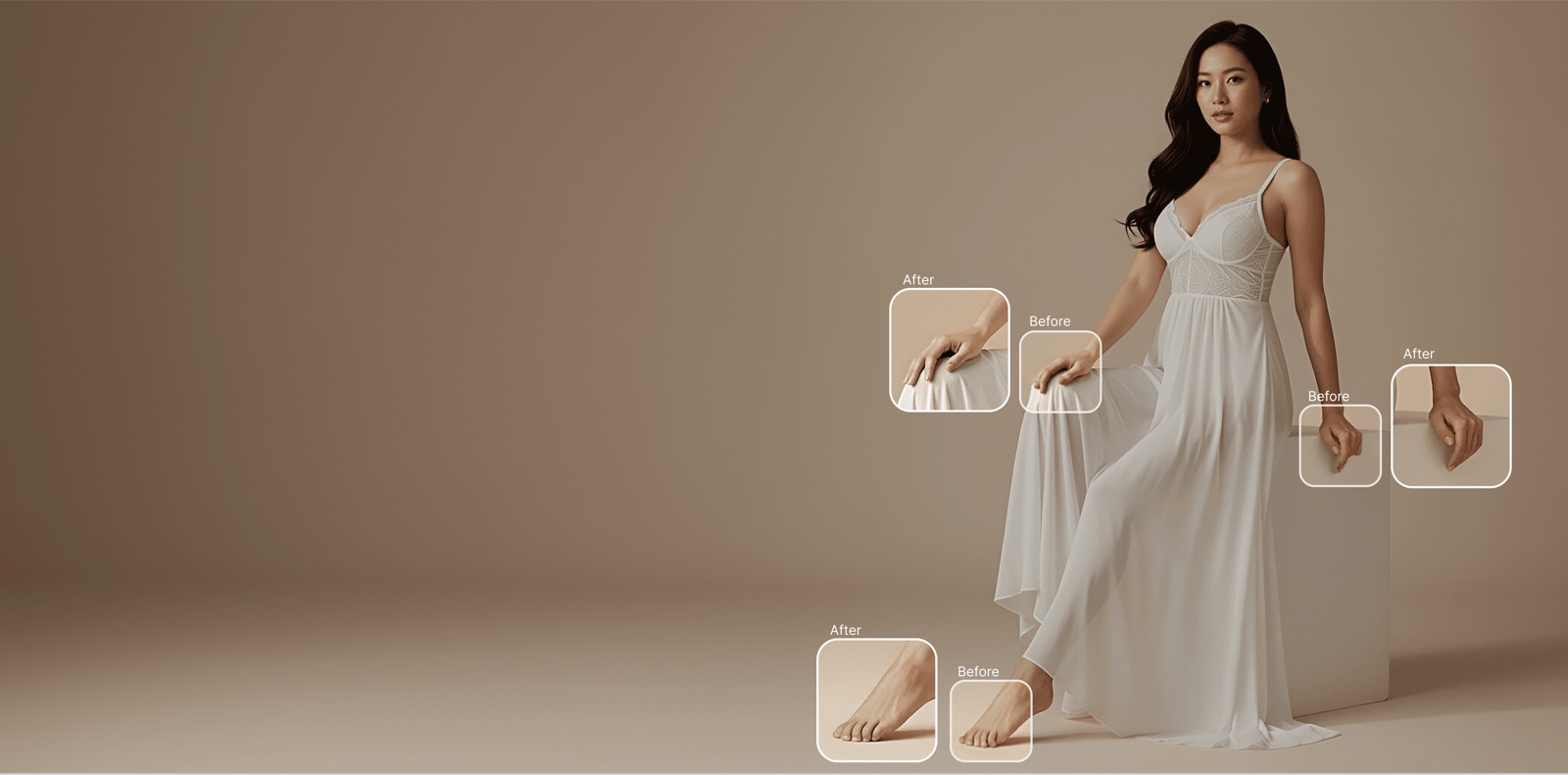
Pixel-Perfect Background Removal
Our AI precisely isolates products and models from any background — even complex edges like flyaway hair, sheer fabrics, and fine jewelry details. No green screens or manual masking needed.
- Handles complex edges: hair, lace, sheer fabrics, jewelry
- Preserves natural shadows and reflections
- Sub-pixel accuracy on fine product details
- Process images in under 2 seconds
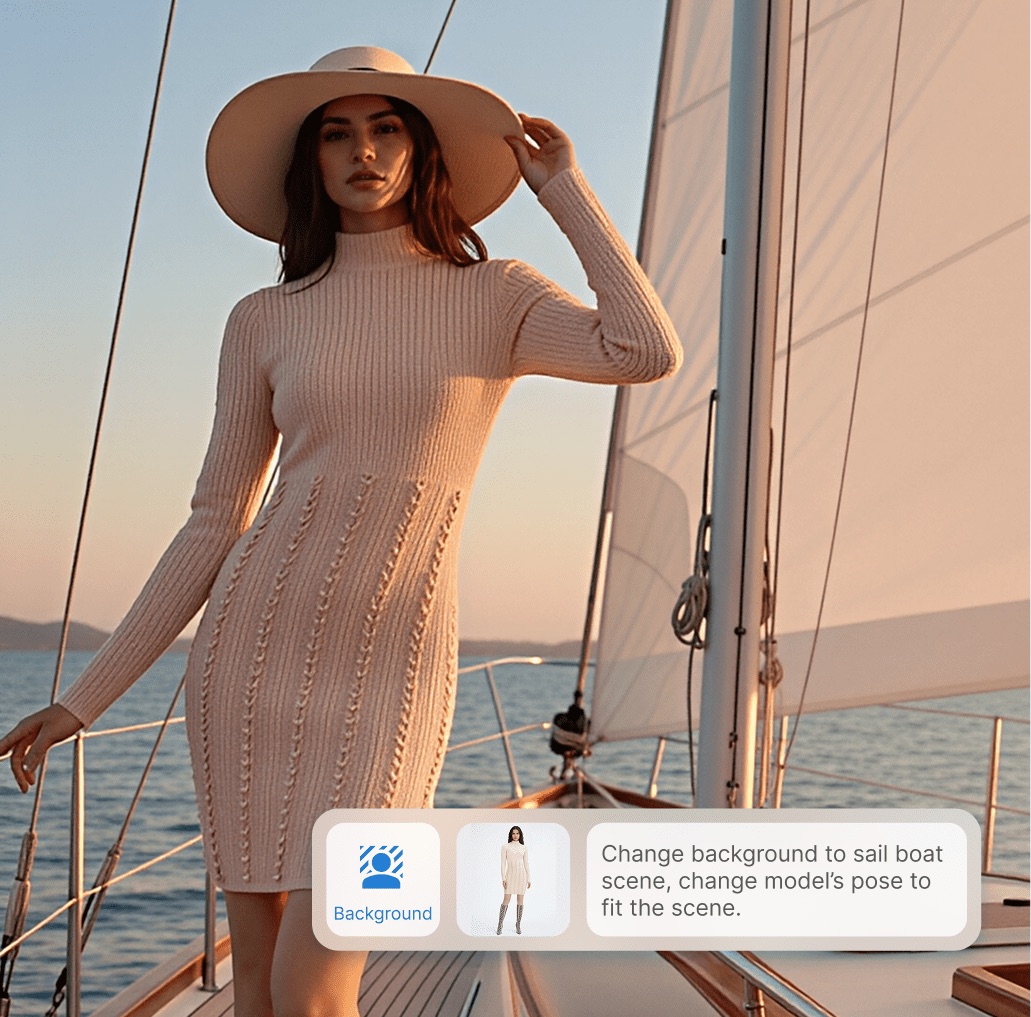
Choose from Thousands of Backgrounds
Select from our curated library of studio, lifestyle, and seasonal backgrounds — or generate custom scenes with AI. Match your brand aesthetic and campaign theme effortlessly.
- Curated library of 2,000+ professional backgrounds
- AI-generated custom scenes from text descriptions
- Automatic lighting and shadow adjustment for realism
- Save brand-specific templates for consistent styling

Marketplace-Ready in One Click
Automatically format images to meet the requirements of Amazon, Shopify, Zalando, and other marketplaces. Get the right background, dimensions, and file specs without manual adjustments.
- Pre-configured templates for Amazon, Shopify, Zalando, ASOS
- Automatic padding, centering, and aspect ratio adjustment
- White background mode meets marketplace compliance standards
- Export multiple formats simultaneously per marketplace
Questions teams ask before they start.
What is an AI background changer?
A tool that separates the product from its background, then removes or replaces that background. You can go to plain white for a marketplace listing, or describe a scene in words and get a styled lifestyle shot from the same source photo.
How do I change a product photo's background without Photoshop?
Upload the photo, then either remove the background in one click or describe the scene you want. No masking or selection work by hand. You get 5 credits free at signup with no card, so you can test it on your own image first.
Can I get the plain white background marketplaces require?
Yes — pure-white background is the most common use here, because Amazon and most marketplaces require it on the primary image while allowing lifestyle scenes on the secondary ones.
Can I keep the background consistent across a whole catalogue?
Yes, and it matters more than it sounds: a category page where every tile shares the same backdrop reads as one catalogue. Reuse the same prompt or reference image across the set.
Will the edges look cut out around hair, fur or transparent material?
Those are the hard cases — wispy hair, fur trim, mesh, glass and anything semi-transparent. Check those specifically, and re-render for a credit if an edge does not hold rather than shipping a halo.
What does it cost compared with outsourcing background removal?
Clipping services bill per image and usually quote a turnaround in hours or days. Here you spend credits per render and get the result in minutes — see the pricing page for current plans.

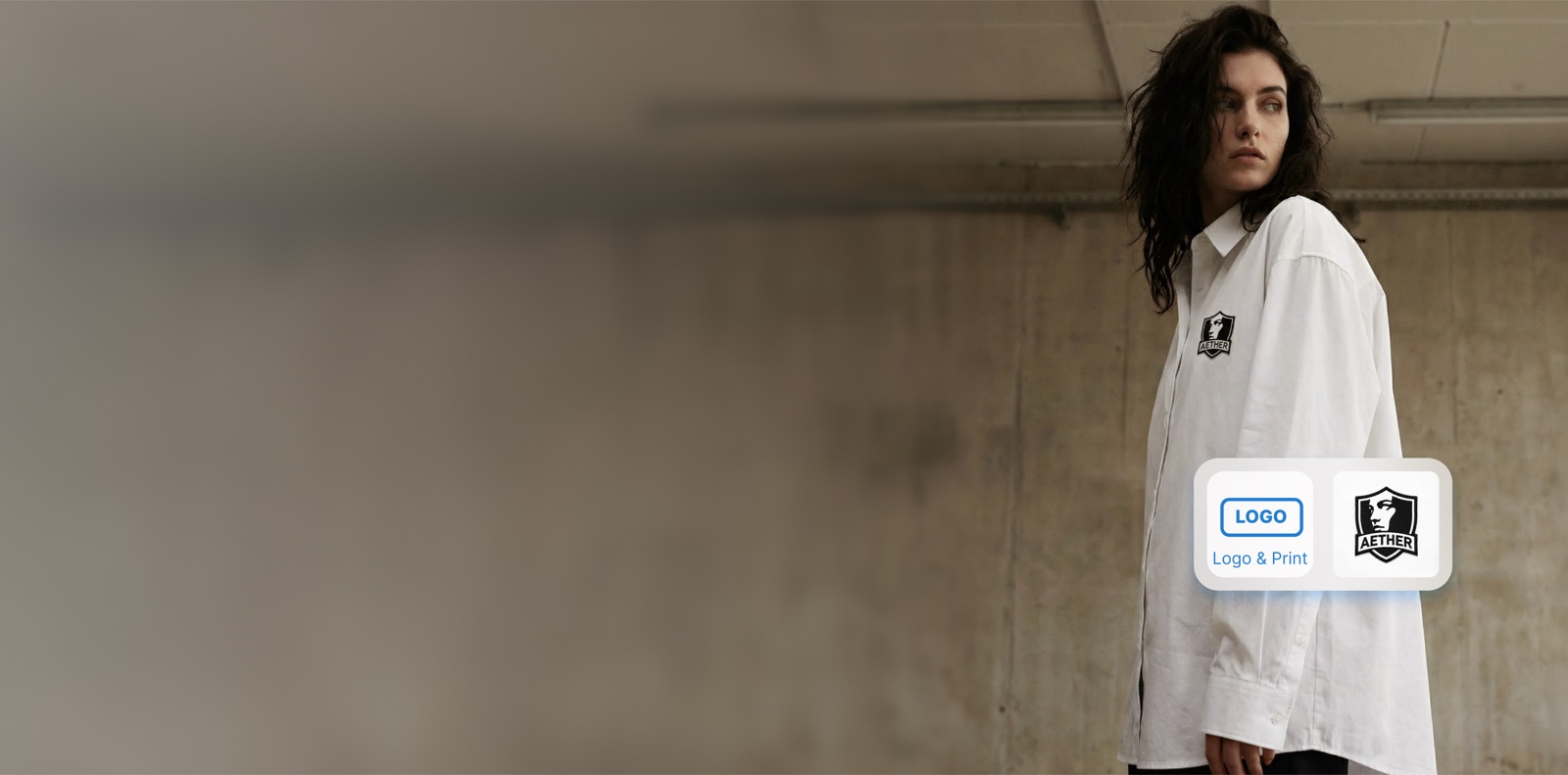
Perfect Backgrounds for Every Product Photo
Stop spending hours on manual background editing. Let AI handle it in seconds with studio-quality results.