
AI Underwear Models for Everyday Basics
Brand-safe on-model photos for briefs, boxers and basics, built for listings.
Turn flat-lay or mannequin shots of everyday underwear (briefs, boxers, bralettes, camisoles and undershirts) into lifelike on-model photography. Built for basics brands whose imagery publishes under automated marketplace review: the category renders like any other garment instead of being refused.
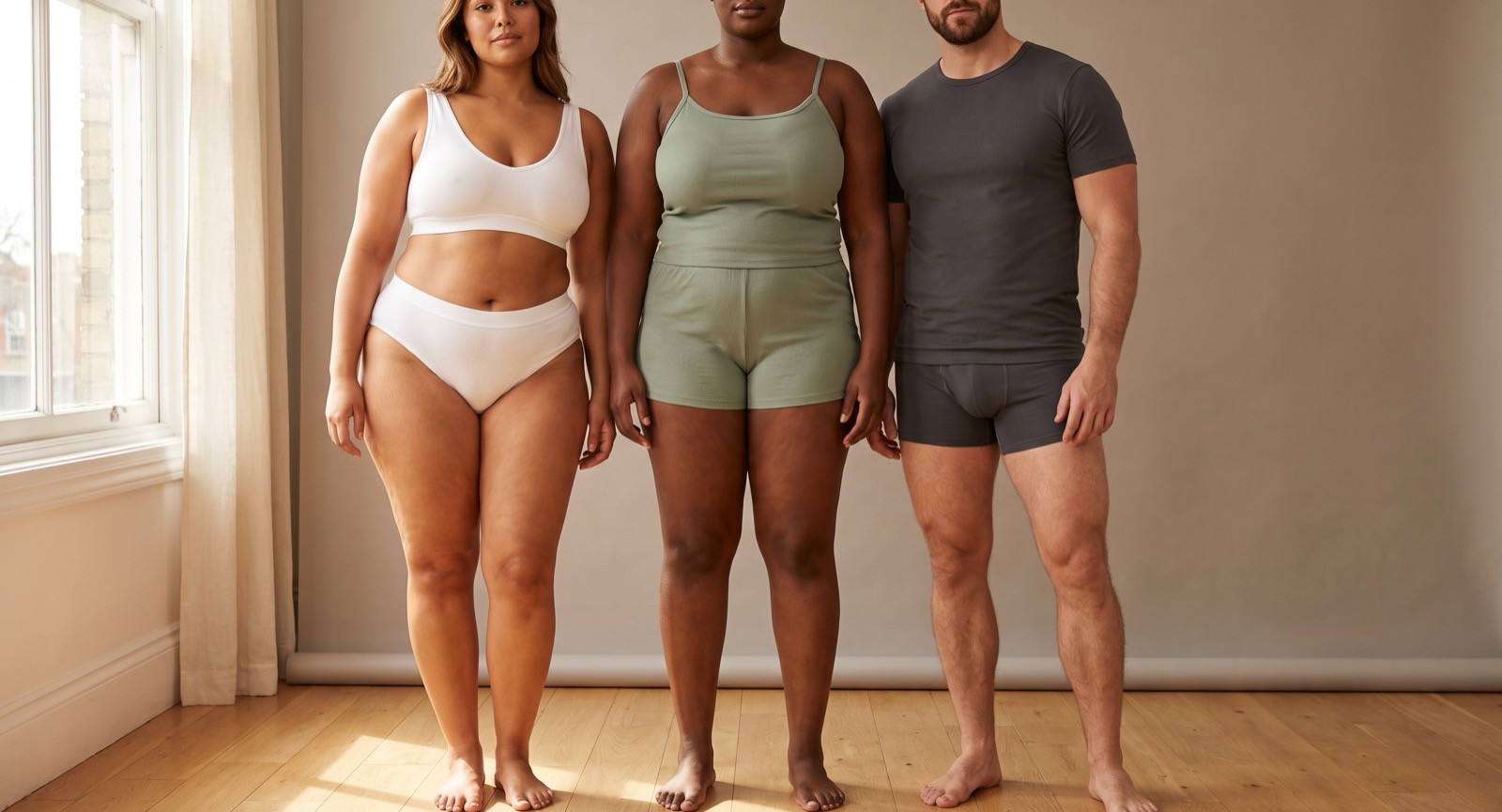
See it on a model, right now
Free preview, no signup · save it, get 10 free credits150+ more models after you sign up.
What is AI Underwear Models?
AI Underwear Models is a tool that turns flat-lay or mannequin shots of everyday underwear and basics into listing-grade, lifelike on-model photography at scale, built for brands that publish under marketplace review, not for casual try-on.
TinTin renders briefs, boxers, bralettes, camisoles and undershirts on diverse, brand-consistent AI models: ribbed cotton texture, waistband detail and true colors carried over from the product photo you already have. Generate on-model visuals for listings, ads and range pages without booking models or studios.
Underwear sits in the same twice-reviewed category as lingerie: listing review and the payment and advertising stack both scan imagery and copy automatically, and many general-purpose AI tools respond by refusing the category outright, including skin-tone colorways that merely resemble what their filters look for. TinTin is category-built: basics render like ordinary garments, skin-tone colorways render like any other shade, and we hold our own pages to a script-checked list of banned phrasings so the copy around your imagery stays as publishable as the imagery itself.
What AI underwear rendering covers: briefs, boxers and boxer briefs, bralettes, thongs, men's basics such as trunks and undershirts, and matching sets shot as one look. Input is simple: a flat-lay or mannequin photo of a single piece on a light, plain background, so the garment's edges and waistband read cleanly. Then pick the model: choose from the library or lock your own identity, and match body type, age and skin tone to the shopper the range is sized for. Output comes back at 2K for 1 credit or 4K for 2 credits. Underwear is rendered like ordinary clothing, with the same engine and the same quality bar as a T-shirt or a pair of jeans.
AI Underwear Models for modern ecommerce teams.
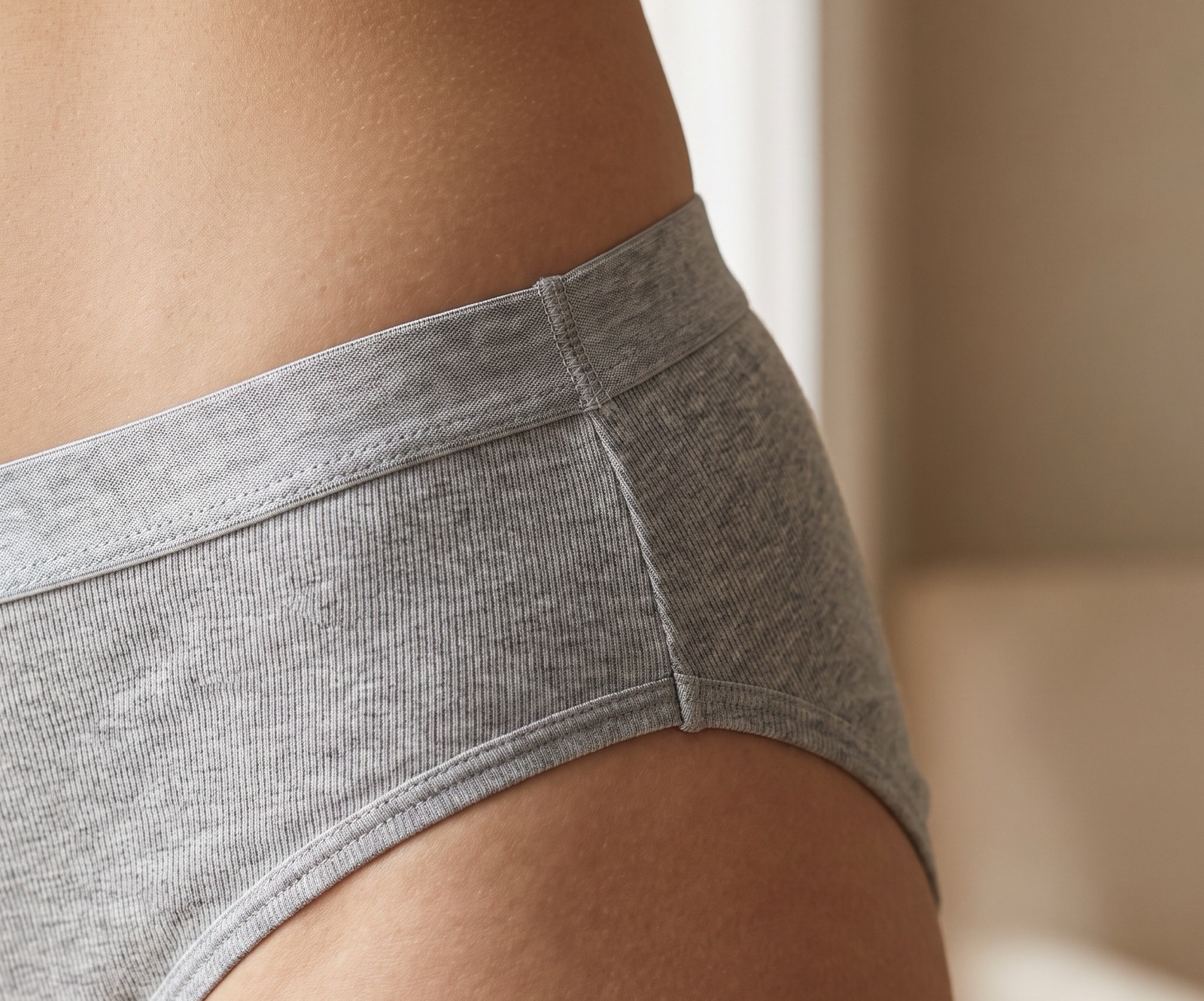
Basics Are a Detail Business
Everyday underwear sells on exactly the details a bad render loses: waistband elastic, ribbed cotton texture, seam placement and true colors. TinTin carries them over from your product photo instead of repainting them.
- Preserves waistband, stitching and rib texture
- True-to-swatch color on every colorway, skin tones included
- Realistic fit and drape on diverse body types
- Works from flat-lay, mannequin and packshot sources
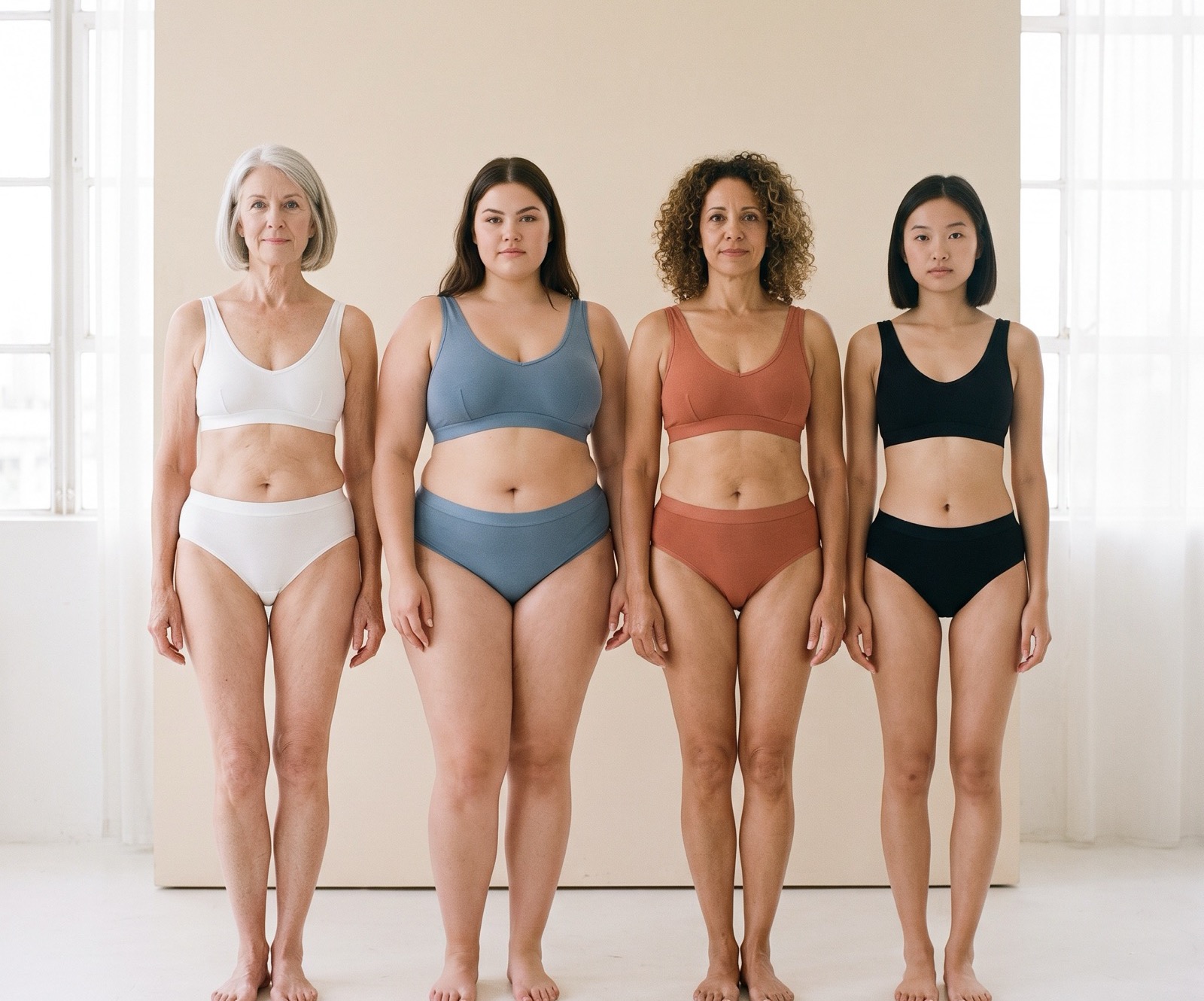
One Line, Every Body
Basics ranges live or die on inclusive sizing, and the imagery should show it. Render the same set across body types, ages and skin tones so every shopper finds themselves on the range page.
- Consistent model identities across the whole range
- Different body types wearing the same SKU, credibly
- Colorway variants without re-shooting the line
- Listing, ad and lookbook crops from one render
Questions teams ask before they start.
What is the best AI tool for underwear on-model photos?
Many general AI image tools refuse underwear or blur it, so pick one built for intimates sellers. TinTin turns a flat-lay of briefs, boxers, thongs or basics into a studio on-model shot in about a minute, for women's and men's ranges. You can try it on this page with no signup, and a free account gets 10 free credits, no card.
What is an AI underwear generator?
A tool that renders everyday underwear (briefs, boxers, bralettes, camisoles, undershirts) on a lifelike model from a flat-lay or mannequin photo you already have. The output is listing-grade product photography: the garment's texture and color carried over, the body and setting generated.
How do I get on-model underwear photos without a photoshoot?
Upload the product shot, choose or upload the model, and the render comes back in minutes. You get 10 credits free at signup with no card, so you can test it on your own product photo first.
Does it work for plain basics, or only lace and fashion sets?
Plain basics are the core case, not the edge case: ribbed cotton briefs, boxer briefs, camisoles and undershirts render the same way fashion sets do. For lace, mesh and fashion intimates there is a dedicated AI lingerie models page; the two share the same engine.
Why do some AI tools refuse underwear photos?
A general-purpose image tool cannot cheaply tell an underwear product photo from content it must block, so blanket filters decline the whole category, including skin-tone colorways that merely resemble what the filter is looking for. TinTin is built for this category and treats basics as ordinary garments.
Will the results meet marketplace listing standards?
The renders are framed as product photography rather than as glamour imagery, which is what marketplace listing rules require, and you control model, pose and framing to match whatever standard your channel enforces. Policies differ by marketplace and change, so check the channel you publish on.
Can I keep one consistent model across the range?
You can lock a model identity so an entire basics line shares the same face and body, which is what makes a range page read as one shoot instead of a collage.
Can underwear AI render men's underwear too?
Yes. Boxers, boxer briefs, trunks, briefs and undershirts render on male models the same way women's basics do, with waistband branding and fabric texture carried over from your product photo.
Does it work for thongs, bikini briefs and other small cuts?
Yes. Thongs, bikini briefs, cheekies and high-cut styles render on the model with their real cut, lace trim and waistband kept true to your product photo, so each cut in the range gets its own on-model image.
Can I turn a flat-lay underwear photo into an on-model shot?
Yes. A flat-lay is the most common input. Photograph one piece on a light, plain background, upload it, and the render places it on the model you choose, with fit and drape generated around the garment.
What does it cost after the free credits?
One credit is one on-model image (4K costs two). When the free credits run out you can buy a one-time pack, 10 credits for $4.99 or 30 for $14.99, with no subscription and credits that never expire. If you shoot every drop, plans start at $10 a month for 20 credits. The pricing page has the full table.
Is there a free AI underwear generator?
Yes, for sellers. Upload a flat-lay of your briefs, boxers, thongs or basics in the widget on this page and you get a watermarked on-model preview in about a minute, with no signup. A free account then gives you 10 free credits with no card, enough for 10 full-resolution on-model images of your own products.
Can I try it before signing up?
Yes. The try-on widget on this page runs without an account: upload a product photo and you get a watermarked preview on a model in about a minute. To keep it, click Save & download free with Google and the result lands in your studio, no signup form. Not ready to sign up? Type your email under the Save button and we send you the preview with a link that saves the full-size photo to your account later, on any device. You get 10 free credits, no card.
Related use cases
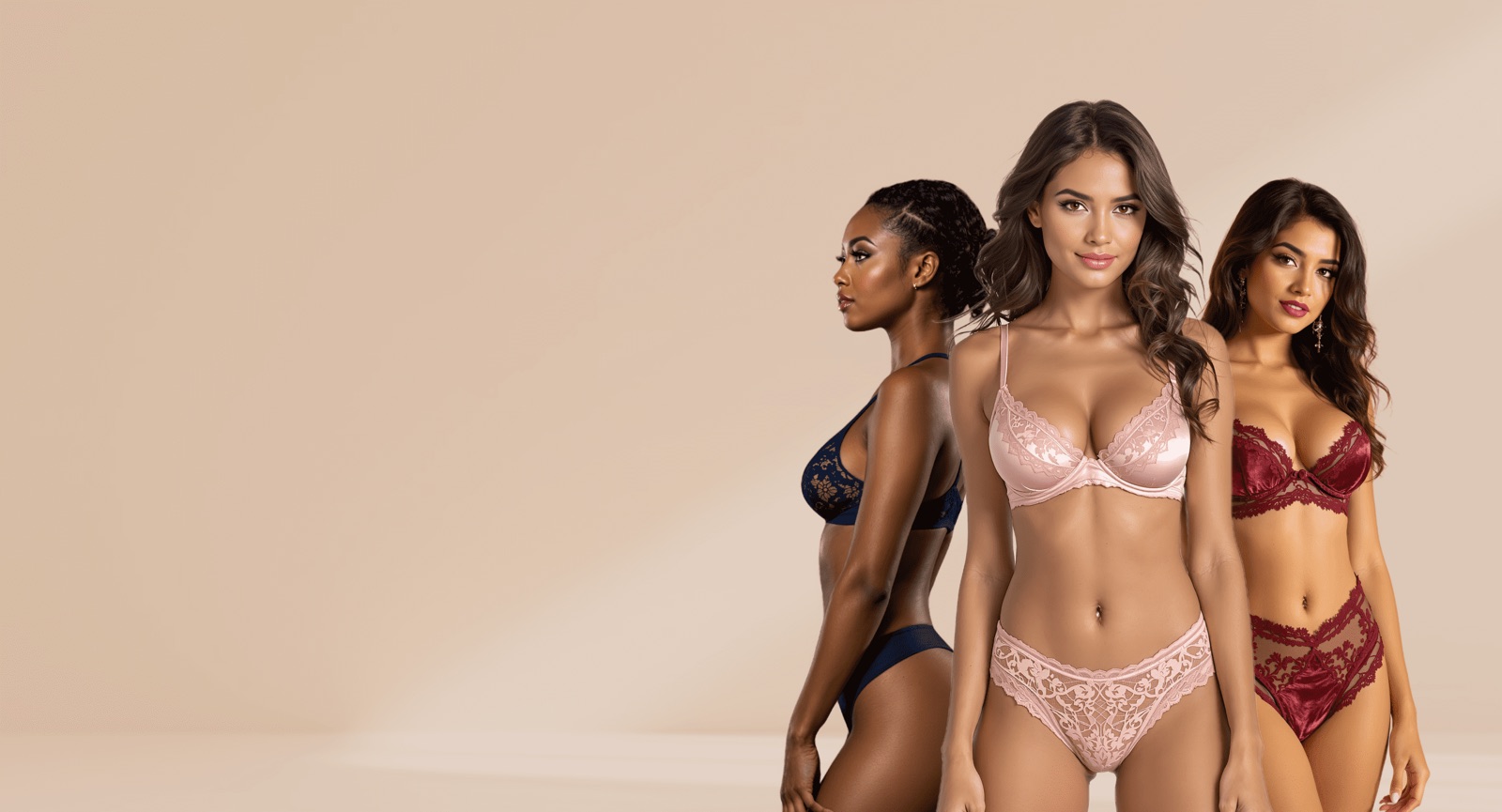
AI Lingerie Models
Listing-grade on-model lingerie photography, generated at scale.
Explore →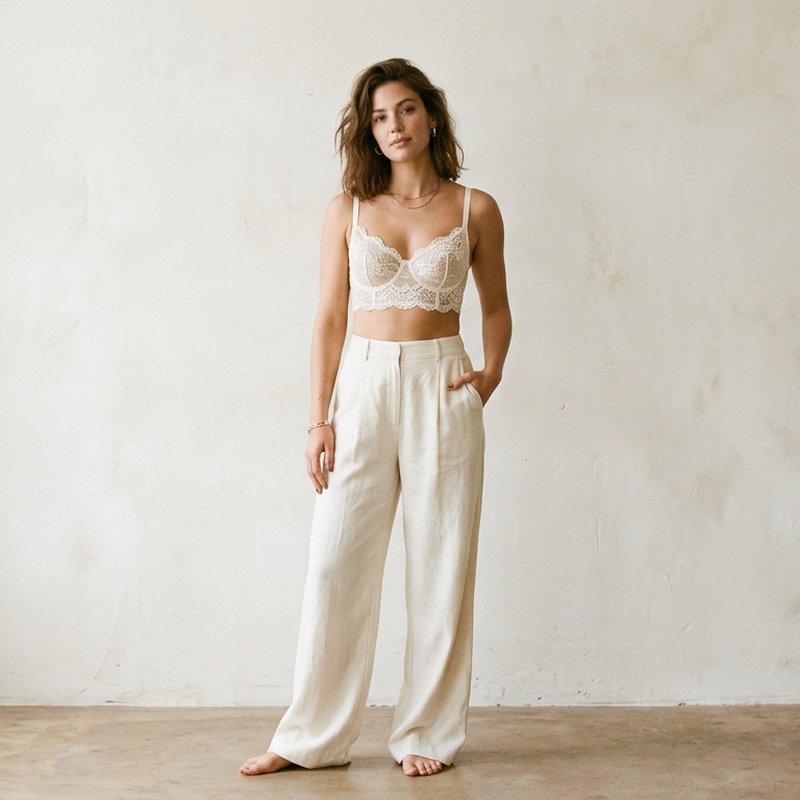
AI Bra Models
Bras & bralettes on models, cup shape and lace kept true.
Explore →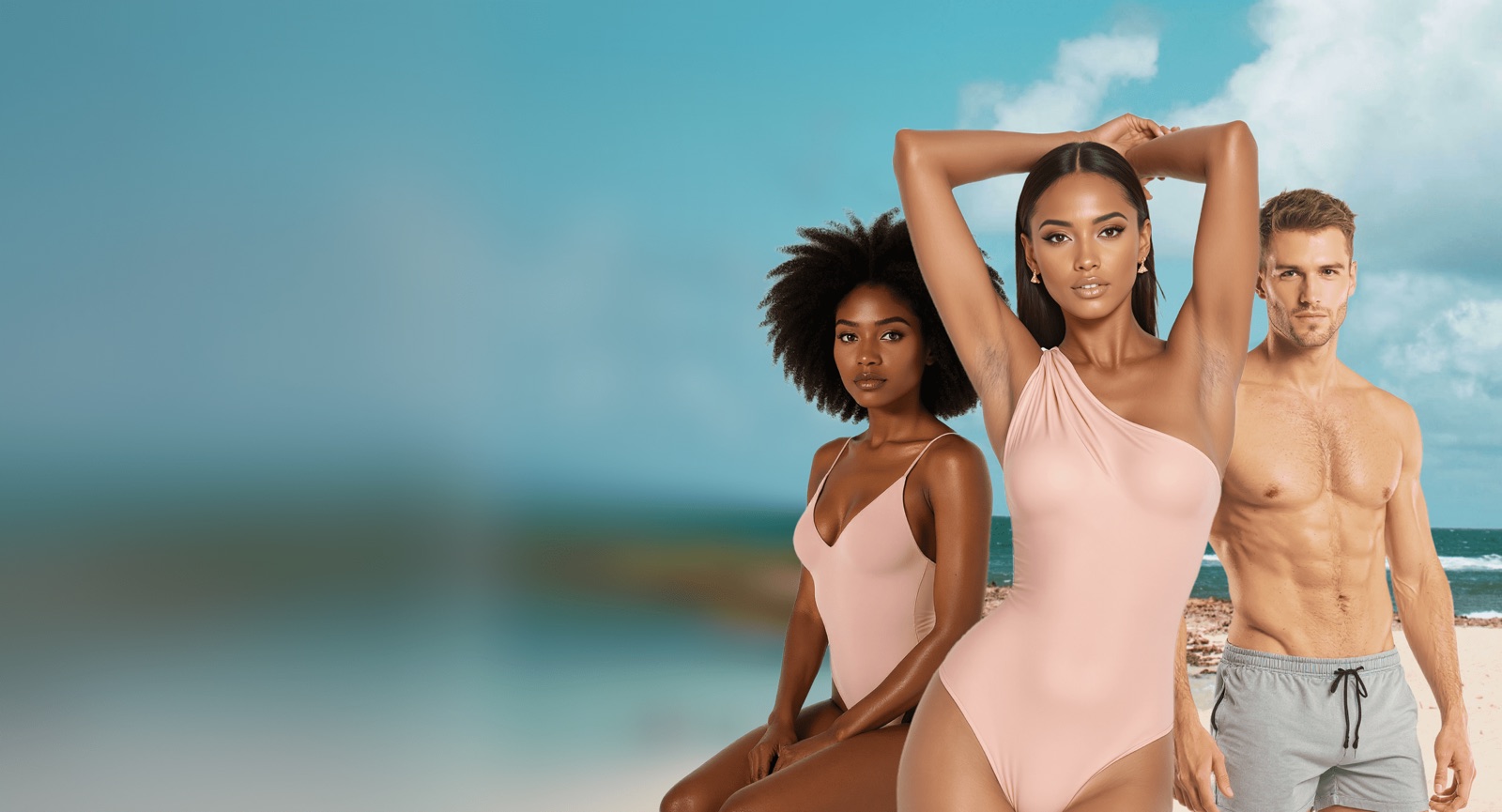
AI Bikini Models
On-model swimwear photos from flat-lays, every body type.
Explore →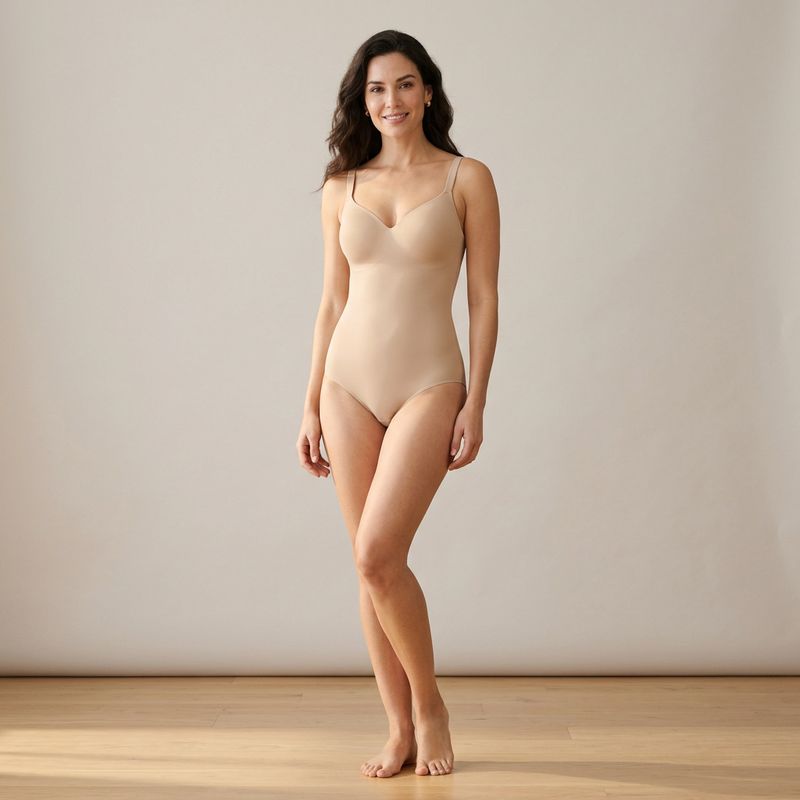
AI Shapewear Models
Skin-tone shapewear rendered cleanly on every body type.
Explore →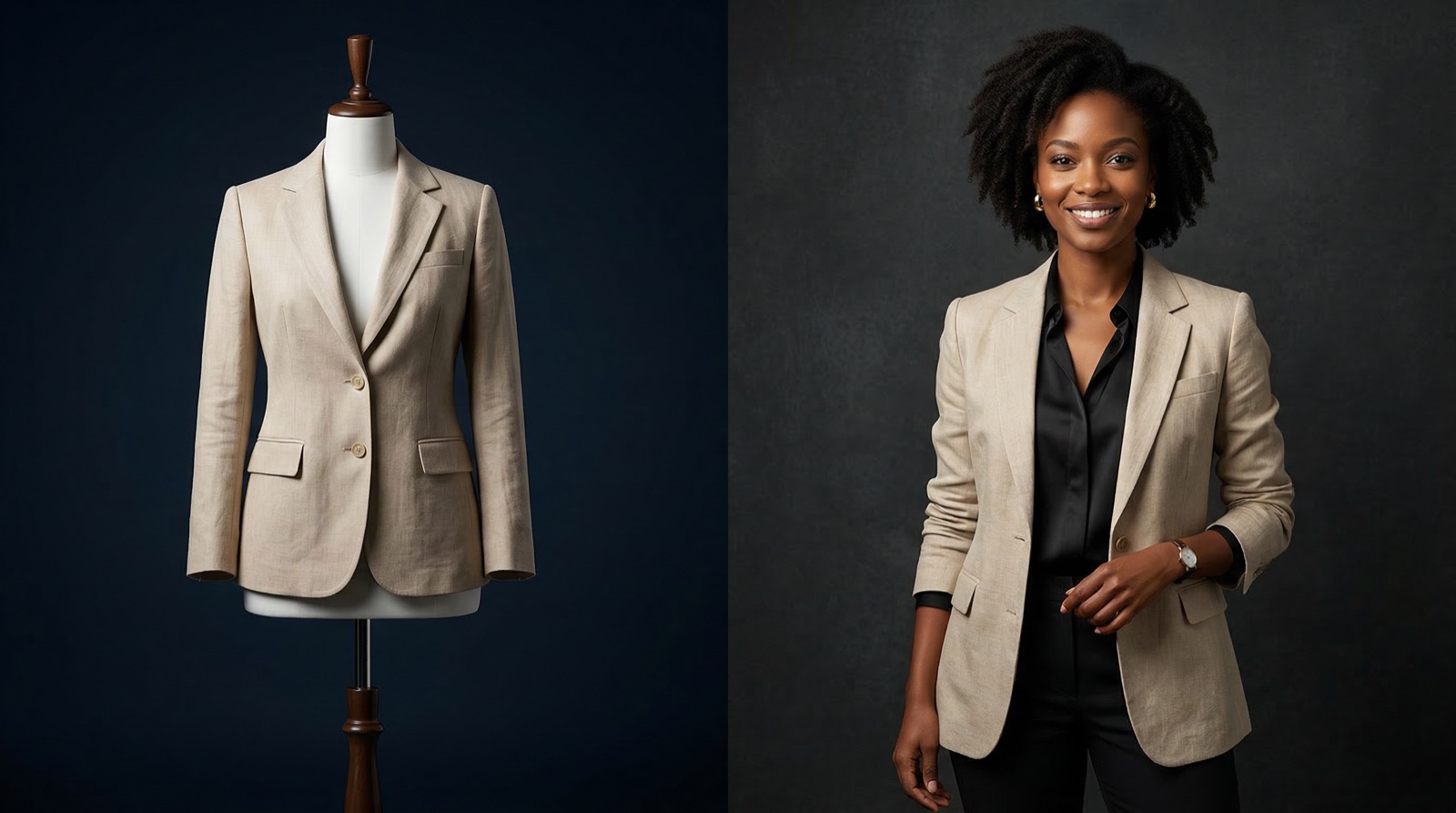
Mannequin to Model
Turn mannequin shots into photoreal on-model images.
Explore →Put Your Basics on Real-Looking Bodies
Brand-safe on-model underwear visuals in seconds, ready for the channels you actually publish on. No photoshoot required.