
AI Jeans Model Generator for Denim Brands
Skinny, straight, wide-leg, mom and bootcut jeans on realistic AI models.
Turn a flat-lay, hanger or mannequin shot of a pair of jeans into a clean on-model photo in about a minute. The cut, the leg opening, the wash and the fading stay true to your pair, so you can list every fit and every wash on Shopify, Amazon, Etsy or Depop without booking a model and a studio.
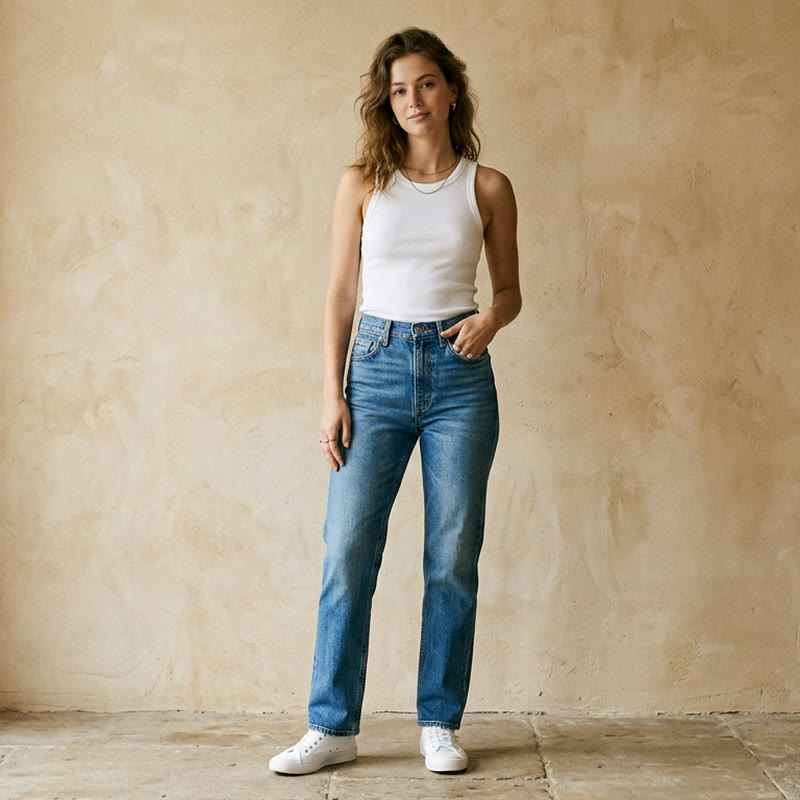
See it on a model, right now
Free · no signup, no card150+ more models after you sign up.
Tuned for modest wear. Change any of these before you generate.
What is AI Jeans Models?
AI Jeans Model Generator is a virtual try-on tool that renders jeans from flat-lay, hanger or mannequin images onto realistic AI models, keeping the cut, leg opening, wash, fading and stitching true for product listings and ads.
Denim is bought on fit and wash, and both are hard to judge from a flat-lay. A denim line can carry skinny, straight, wide-leg, mom and bootcut cuts in several washes each, and reshooting every combination on a model does not keep up with a release calendar or a resale inventory. TinTin puts your actual jeans on a model, so a wide leg still reads as wide, a bootcut keeps its flare, and the fading on the thighs and knees stays where it is on your pair.
Upload the flat-lay, hanger shot or mannequin photo you already have and get a listing-grade on-model image for Shopify, Amazon, Etsy or Depop, or for a social ad. Show the same pair on women and men across body types and skin tones with consistent lighting, or upload your own model photo once and reuse that face across every fit in the store.
AI try-on built for denim fits and washes.
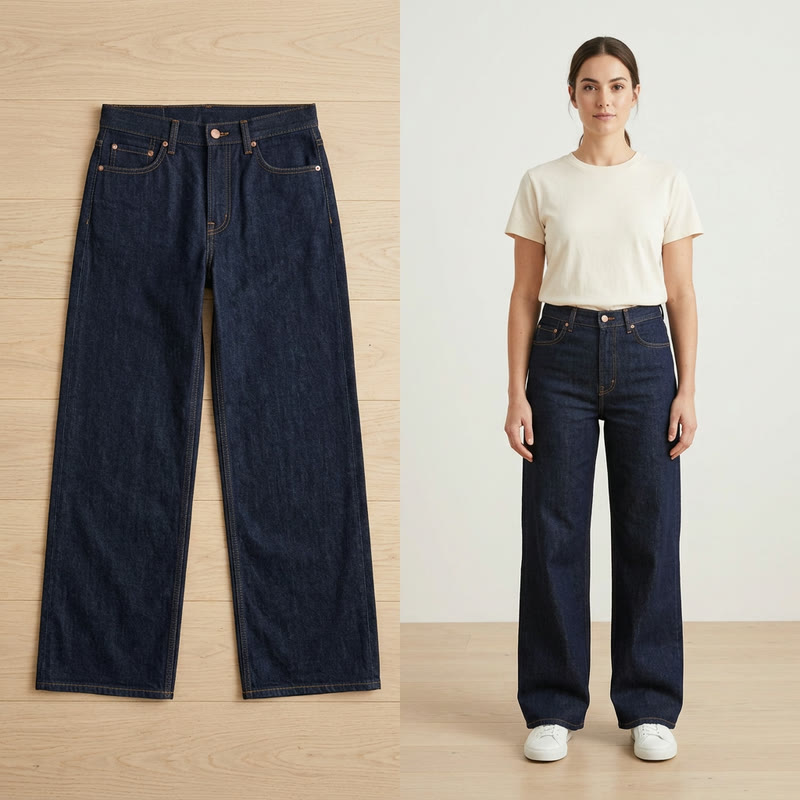
From Flat-Lay to On-Model
A flat-lay shows the wash; an on-model photo shows the fit. Start from the flat-lay or hanger shot you already have and get the same pair on a person, full length to the ankle, with the leg shape and rinse kept as they are.
- Works from flat-lay, hanger and mannequin shots
- Wash, fading, whiskering and stitching kept true
- Skinny, straight, wide-leg, mom and bootcut cuts supported
- Zoom-friendly 2K output for product pages
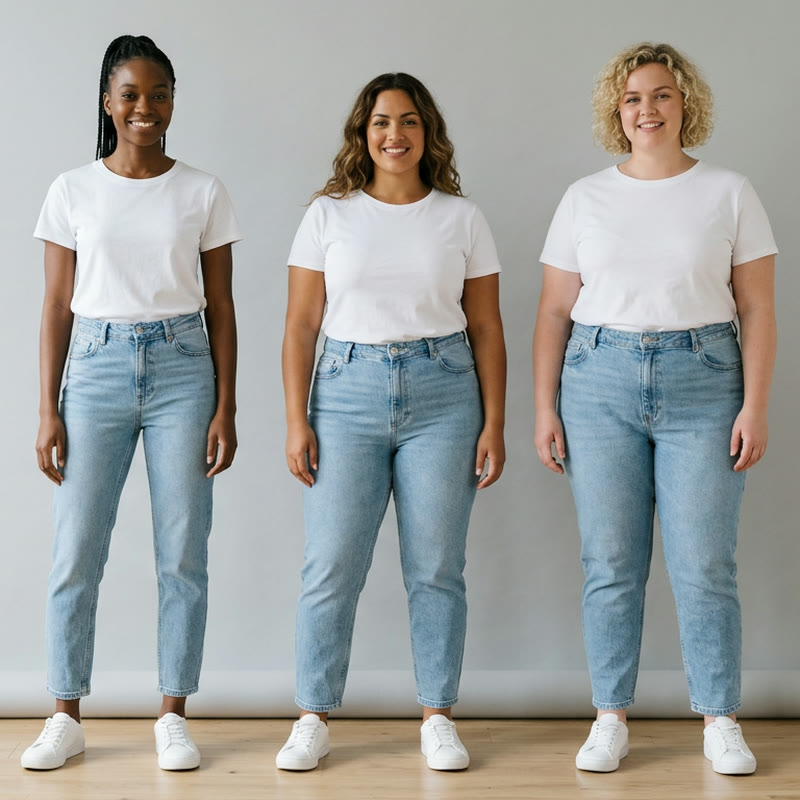
One Fit on Every Body Type
Shoppers want to see the jeans on someone built like them. Render the same pair on slim, curvy and plus-size models across skin tones, with matching light, without booking a model for each size.
- Straight, curvy and plus-size models
- Diverse skin tones and ages
- Leg opening, length and fit controls, from slim to loose
- Consistent lighting across a whole collection
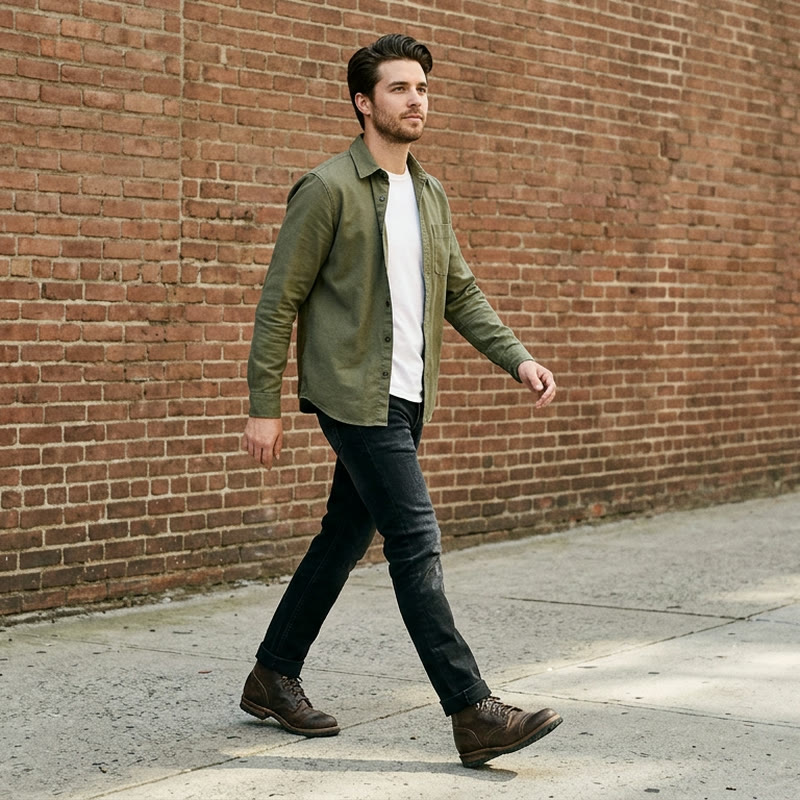
Women's, Men's and Unisex Denim
Most denim lines sell to both, and most listings need both. Put the same cut on men and women, then pair clean studio shots for marketplace listings with street and lifestyle scenes for ads and social.
- Men and women preset models, or upload your own
- Clean studio shots for Shopify, Amazon and Etsy listings
- Street and lifestyle scenes for ads and Depop
- Cleared for commercial use on your store and ads
Questions denim sellers ask before they start.
Can I turn a flat-lay of my jeans into an on-model photo?
Yes. Upload a flat-lay, hanger or mannequin shot of your jeans and TinTin renders them on a realistic AI model in about a minute, keeping the cut, leg opening, wash and fading of your actual pair.
Will the fit and the wash stay accurate?
Yes, in proportion to your input. Set the leg opening, length and overall fit to match the cut you sell, from skinny to wide-leg, so the model does not slim or widen it. A sharp, evenly lit photo keeps the wash, fading and stitching true; a small, soft phone photo will render soft.
Can I show the same jeans on different body types and sizes?
Yes. Pick slim, curvy and plus-size preset models across skin tones, women and men, and render the same pair on each with matching light. You can also upload your own model photo once and reuse that face across every fit.
How is this different from a ChatGPT or Gemini prompt for jeans?
A prompt creates new jeans from words, so the wash, the fading and the fit are invented and will not match the pair you ship. TinTin starts from your own product photo and renders those exact jeans on a model, which is what a listing for a real garment needs.
Have big denim brands used AI models?
Yes. Levi's announced in 2023 that it would test AI-generated models with Lalaland.ai, and Guess ran an ad with an AI model in the August 2025 issue of Vogue; both drew public criticism. TinTin dresses the AI model in your real garment, so the fit, wash and fading shoppers see match what they receive. We recommend telling shoppers when a listing image is AI-generated.
Is there a free way to try the AI jeans model generator?
Yes. You can try it free on your own jeans photo before choosing a plan, with no photoshoot or design skills needed. Generated visuals are cleared for commercial use on your store, marketplaces and ads.
Related use cases
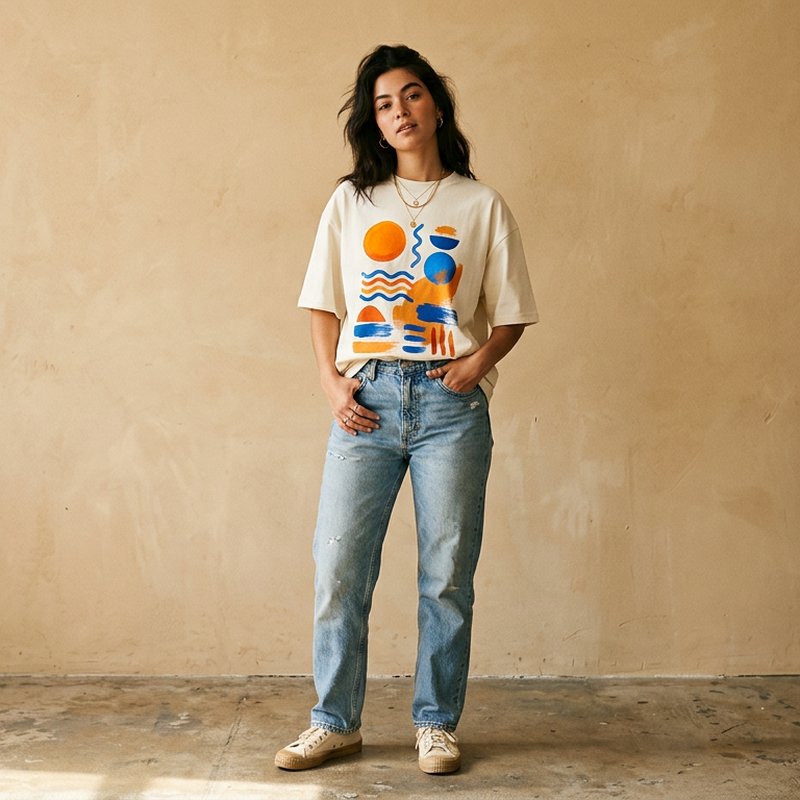
AI T-Shirt Models
Graphic tees and merch on models, print placement kept true.
Explore →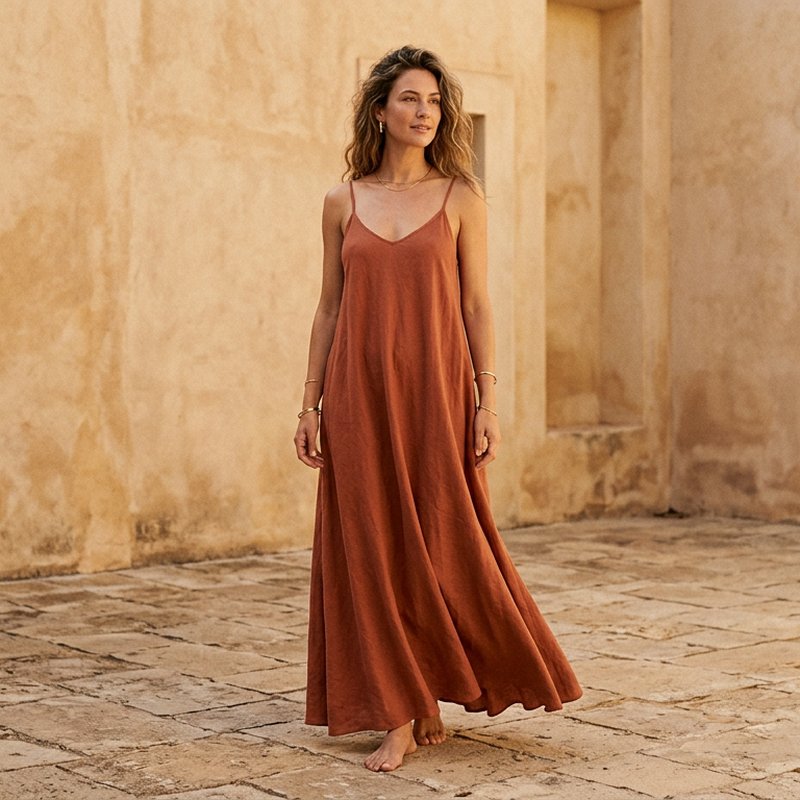
AI Dress Models
Maxi, midi & party dresses on models, drape and print kept true.
Explore →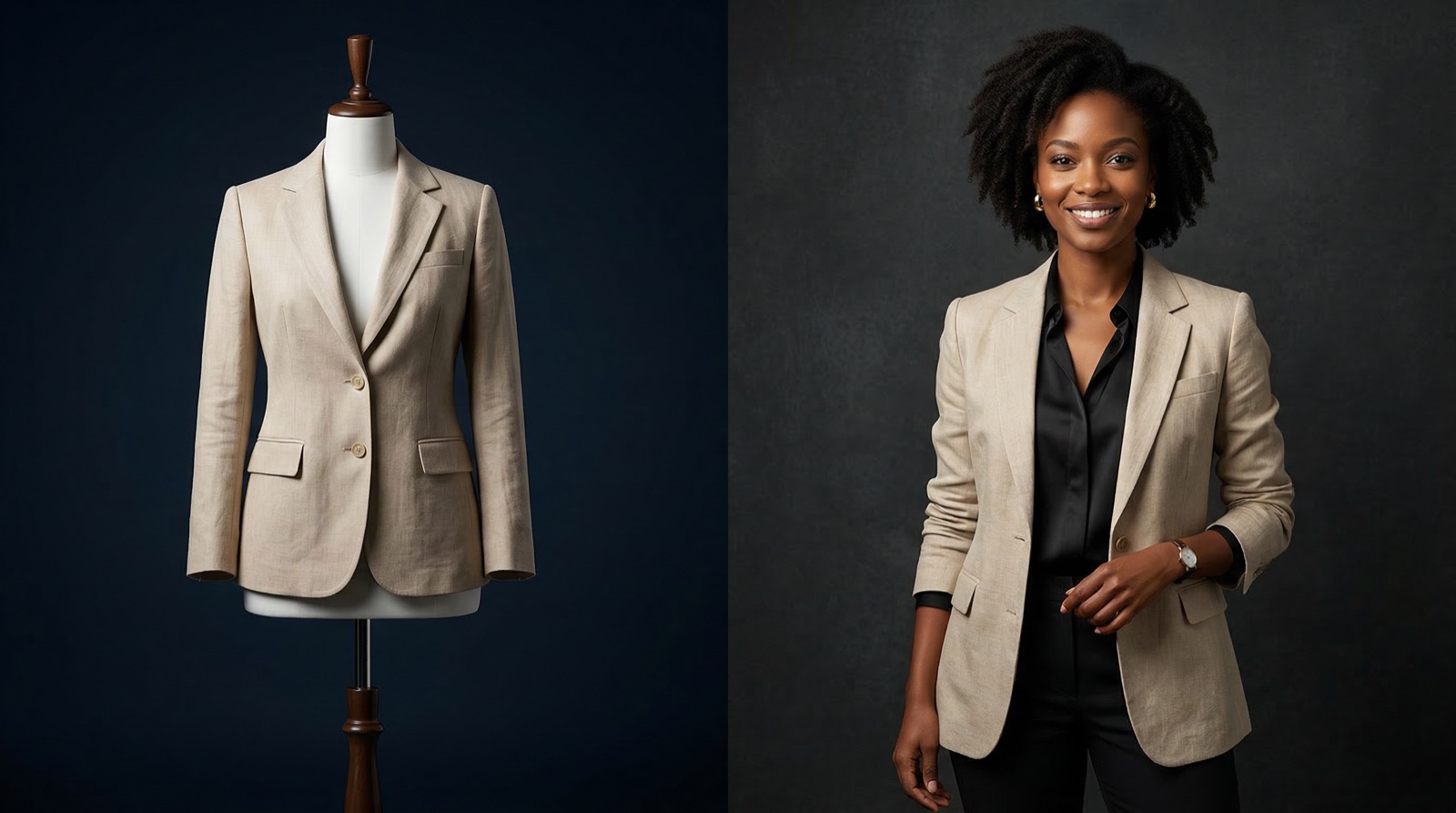
Mannequin to Model
Turn mannequin shots into photoreal on-model images.
Explore →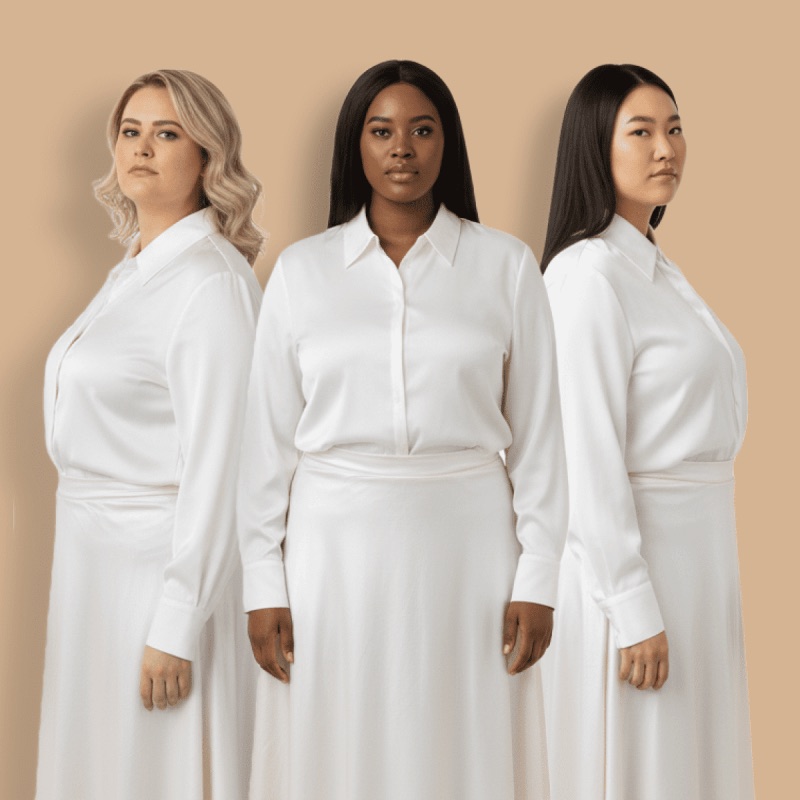
AI Plus Size Model
Inclusive plus-size on-model imagery for your catalog.
Explore →Put Your Jeans on Models Today
Turn denim flat-lays into true-to-wash on-model photos in about a minute, no samples or photoshoot required.