
Press-On Nail Product Photos on a Hand Model
Your tip sets on a real-looking hand — before the launch, not after the shoot.
Upload a flat-lay of your press-on set and TinTin's virtual nail try-on renders it on a photoreal hand model. Use the images for Etsy and Shopify listings, thumbnails, and launch posts — no hand model to book.
What is Press-On Nail Photos?
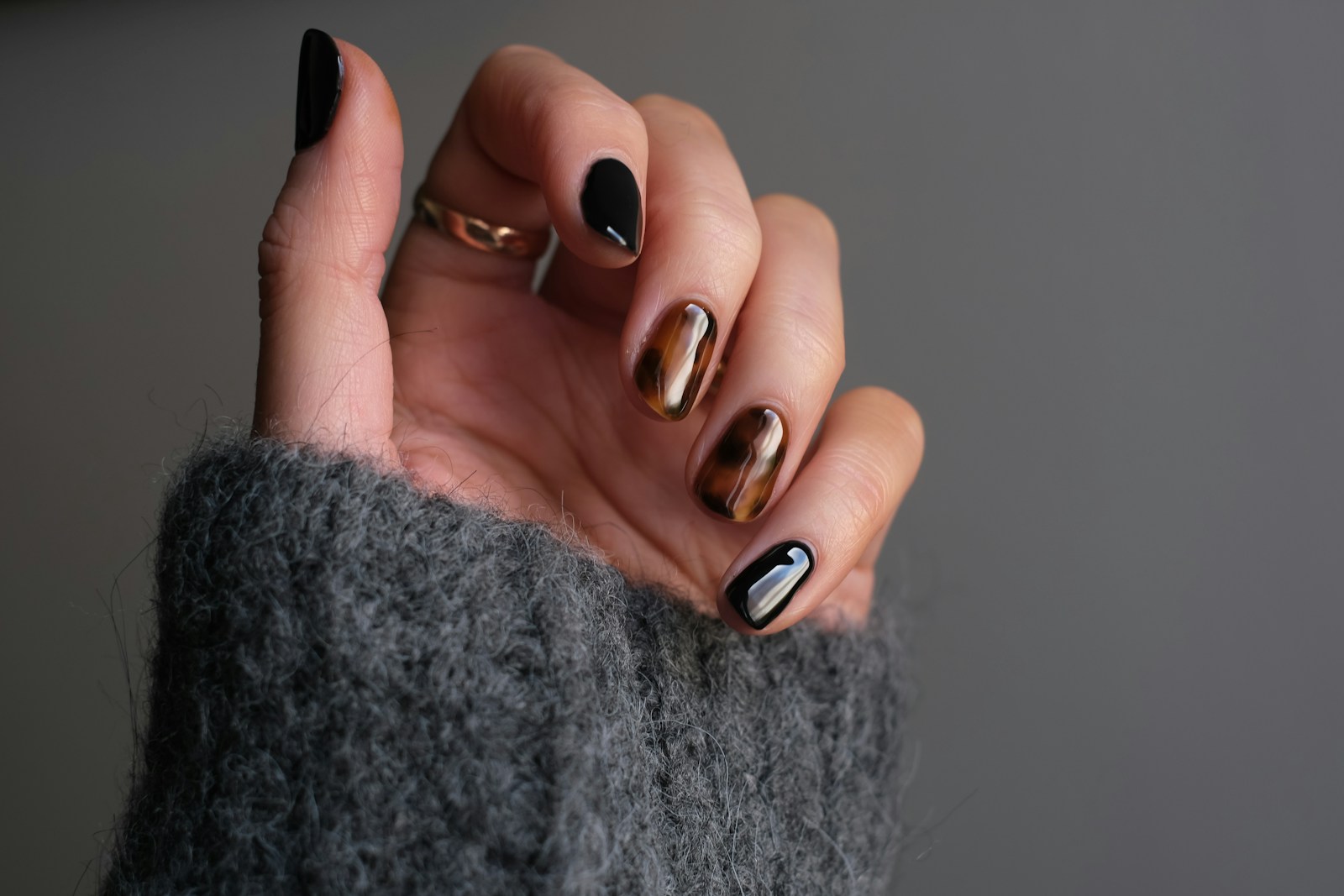
Press-on nail product photos on a hand model are listing images that show a tip set worn on a hand — and a virtual nail try-on is a tool that renders those images from a flat-lay of the tips instead of a hand-model photoshoot.
Press-on sellers launch new sets every week, and a flat-lay of 24 tips does not tell a buyer how the shape and length will look worn. Booking a hand model for each drop is slow and expensive, so most shops ship listings with tips-only photos. TinTin puts each set on a consistent AI hand model first, so the on-hand images are ready the day the set goes live.
Built for press-on brands that launch every week.
On-Hand Photos Before the Set Launches
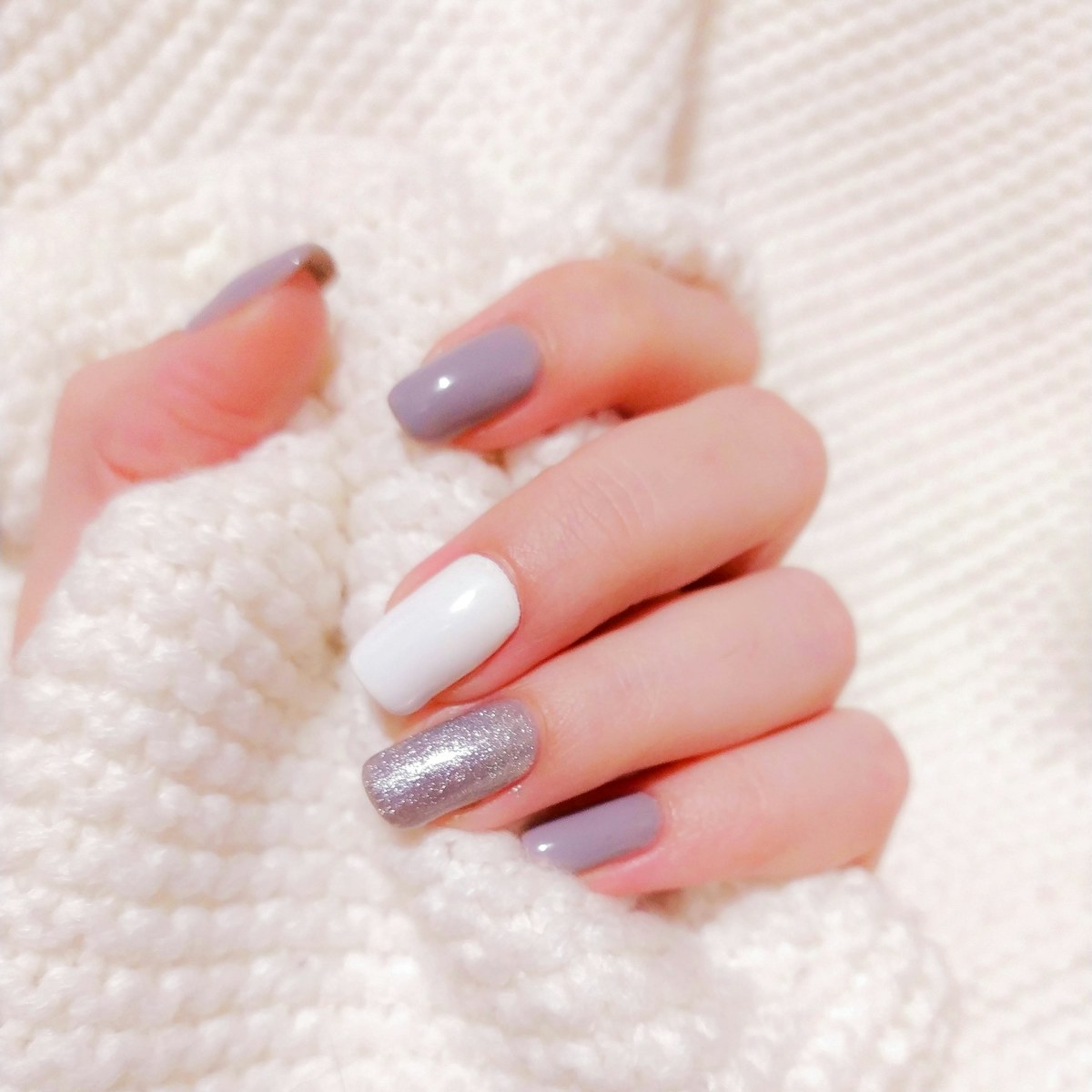
Render every new set on a hand template while it is still in production. Approve the look, then publish the listing with on-hand images on day one instead of waiting for a shoot.
- Upload a flat-lay of the tips — phone quality is fine
- Keep one hand model across the whole catalog
- Gloss, chrome, jelly, glitter and charm finishes
- Regenerate any frame before you publish
Etsy and Shopify Listing Images
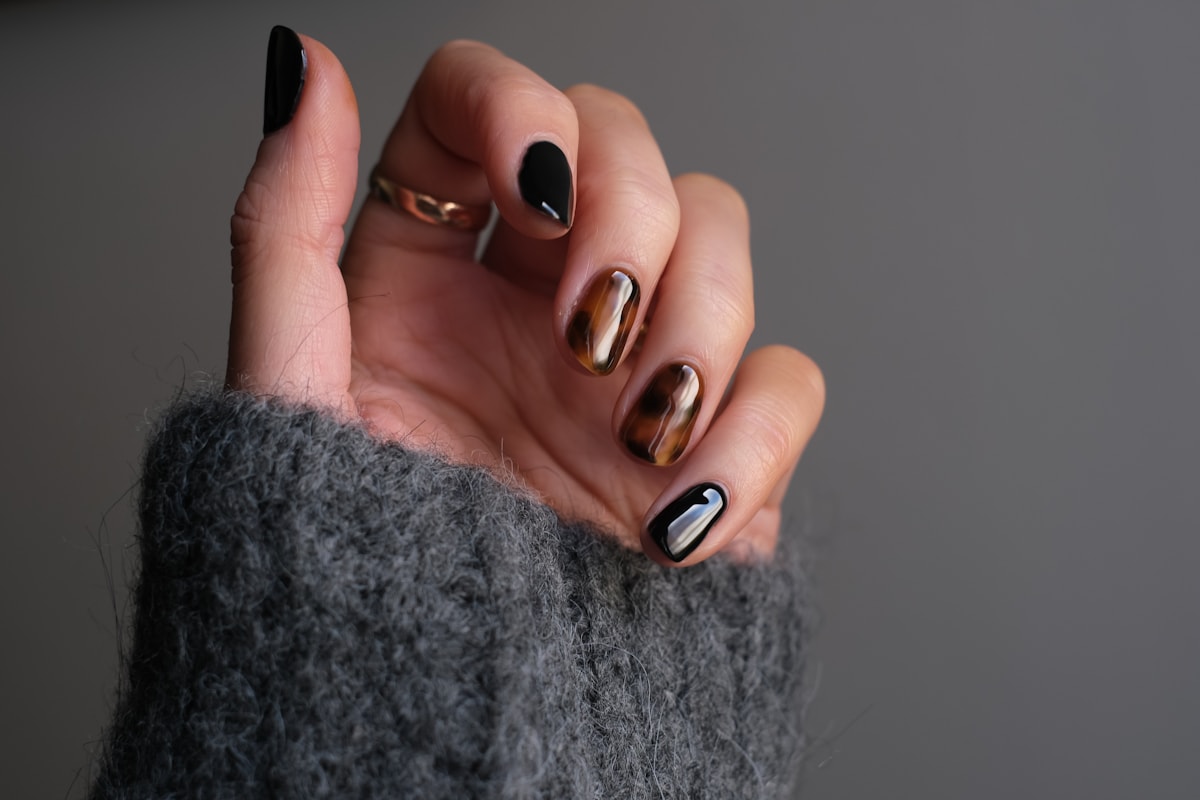
Buyers want to see the set on a hand like theirs. Render the same set across skin tones, nail shapes and poses so each listing gallery answers the fit question without extra photography.
- Multiple skin tones from one upload
- Almond, coffin, square and stiletto shapes
- Gallery-ready sizes for Etsy and Shopify
- Consistent lighting from listing to listing
Thumbnails That Win the Search Grid
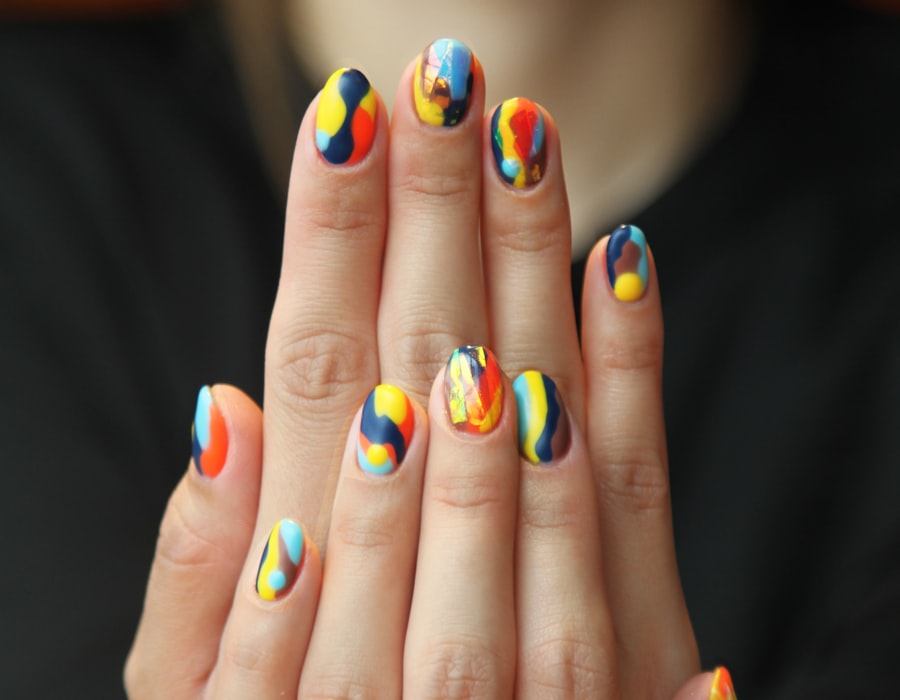
The thumbnail decides the click. A close, well-lit hand shot reads at small sizes far better than a row of loose tips, so your set stands out in marketplace search results.
- Square crops for marketplace search grids
- Close hand framing that reads at thumbnail size
- Clean backgrounds that match your shop style
- Fresh thumbnails for seasonal drops
Questions press-on sellers ask before they start.
What is a virtual nail try-on for sellers?
It is a production tool for the shop, not an AR filter for shoppers. You upload a photo of your tip set and get back photoreal images of the set worn on a hand, ready for your listings.
Do I still need a press-on nail hand model?
Not for listing photos. TinTin gives you an AI hand model you can reuse across every set, so your storefront looks consistent without booking a model for each drop.
What photo of my nails should I upload?
A flat-lay of the full set on a plain surface works best. Phone photos are fine as long as the tips are in focus and evenly lit.
Can I use the images on Etsy and Shopify?
Yes. The renders are yours to use in your listings, product galleries, thumbnails and ads on any marketplace or storefront.
Will the shape and finish look accurate?
The render keeps the shape, length, color and finish of your tips — including gloss, chrome, glitter and 3D charms. Review each image and regenerate any that miss before you publish.
How much does it cost to try?
You get free credits at signup with no card, so you can render one of your own sets before you decide.
Put Your Next Press-On Set on a Hand Today
Upload a flat-lay of your tips and get on-hand product photos for your next launch — no hand-model shoot required.