
AI T-Shirt Model Generator for Merch and Print-on-Demand Brands
Graphic tees, blanks and merch on realistic AI models.
Turn a flat-lay, hanger shot or mockup of a t-shirt into a clean on-model photo in about a minute. Graphic placement, print colors, neckline and fit stay true, so you can list a new design on Shopify or Etsy without ordering samples and booking a shoot.
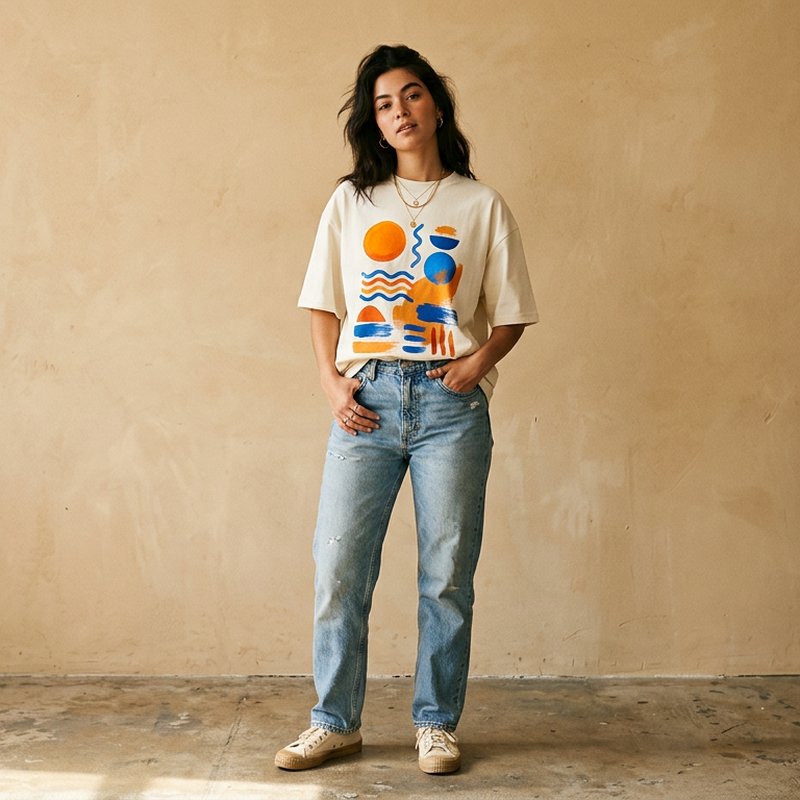
See it on a model, right now
Free · no signup, no card150+ more models after you sign up.
Tuned for modest wear — change any of these before you generate.
What is AI T-Shirt Models?
AI T-Shirt Model Generator is a virtual try-on tool that renders t-shirts from flat-lay, hanger or mockup images onto realistic AI models, keeping graphic placement, print color, fabric drape and fit true for product listings and ads.
Print-on-demand sellers and merch brands launch more designs than anyone can photograph. Most listings end up with the same flat mockup template every other shop uses, and shoppers cannot tell how the tee fits or where the print sits on a real body. TinTin puts your actual shirt on a model, so the graphic stays where you placed it, the cotton drapes naturally and an oversized cut still reads as oversized.
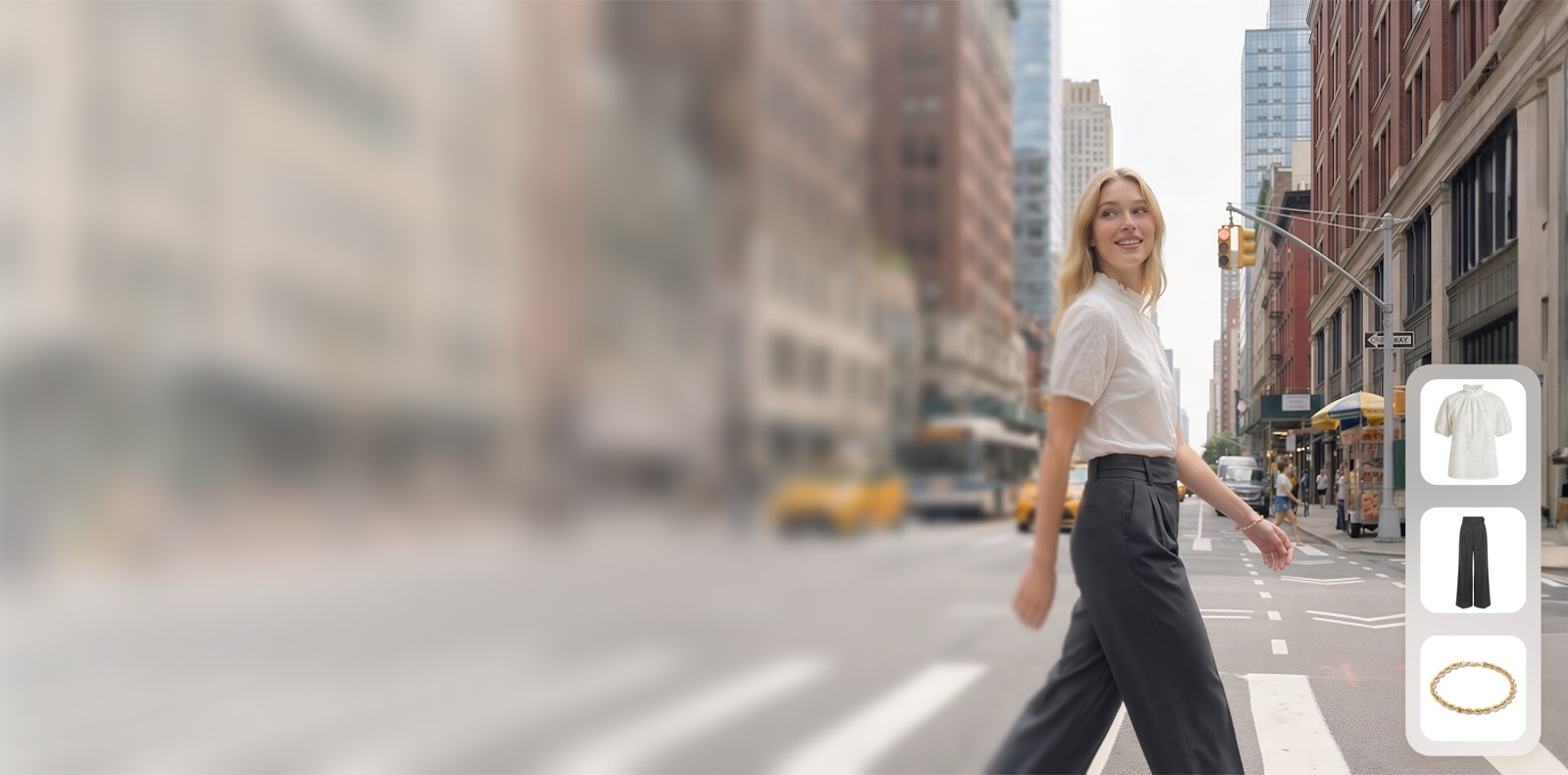
Upload the flat-lay, hanger shot or mockup you already have and get a listing-grade on-model image for your Shopify, Etsy or marketplace listing, or a social ad. Show the same tee on men and women across body types and skin tones with consistent lighting, or upload your own model photo once and reuse that face across every design in the store.
AI try-on built for graphic tees and merch.
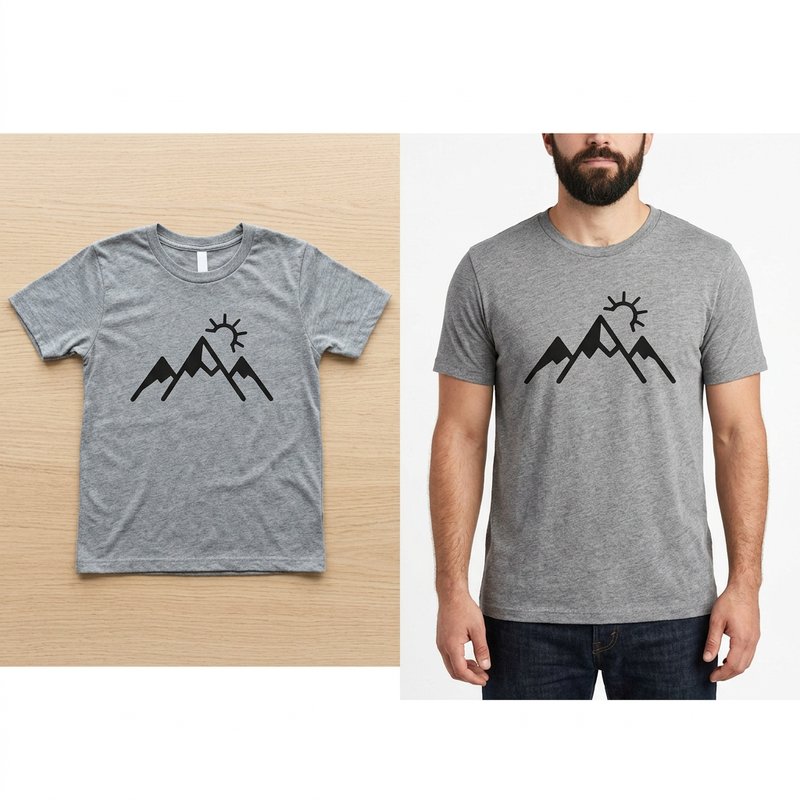
From Flat-Lay or Mockup to On-Model
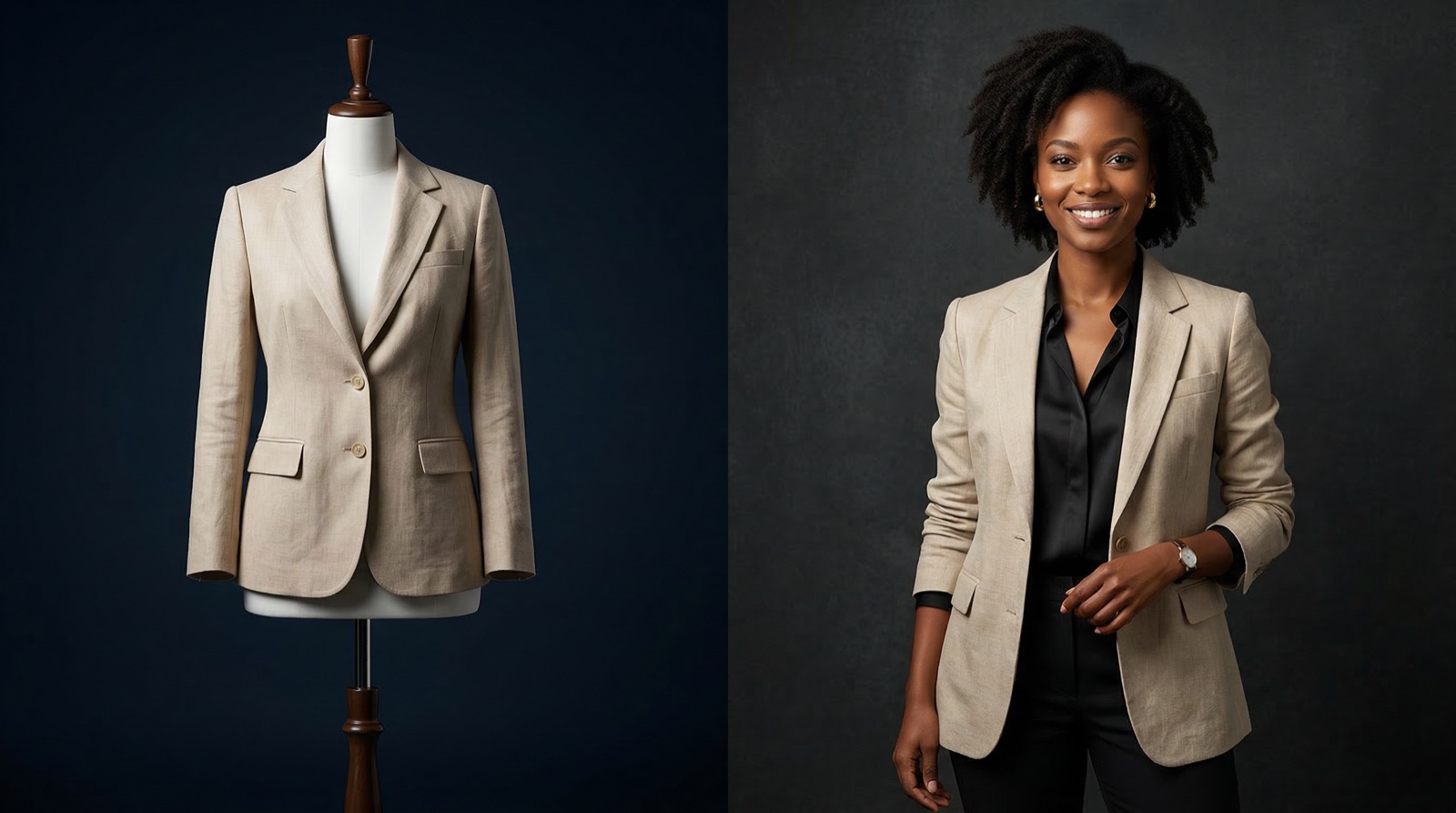
A mockup template shows the design; an on-model photo shows the product. Start from the flat-lay or mockup you already made and get the same shirt on a person, with the graphic in the same spot and at the same scale.
- Works from flat-lay, hanger and mockup images
- Graphic placement and print colors kept readable
- Crew neck, V-neck, oversized and fitted tees supported
- Zoom-friendly 2K output for product pages
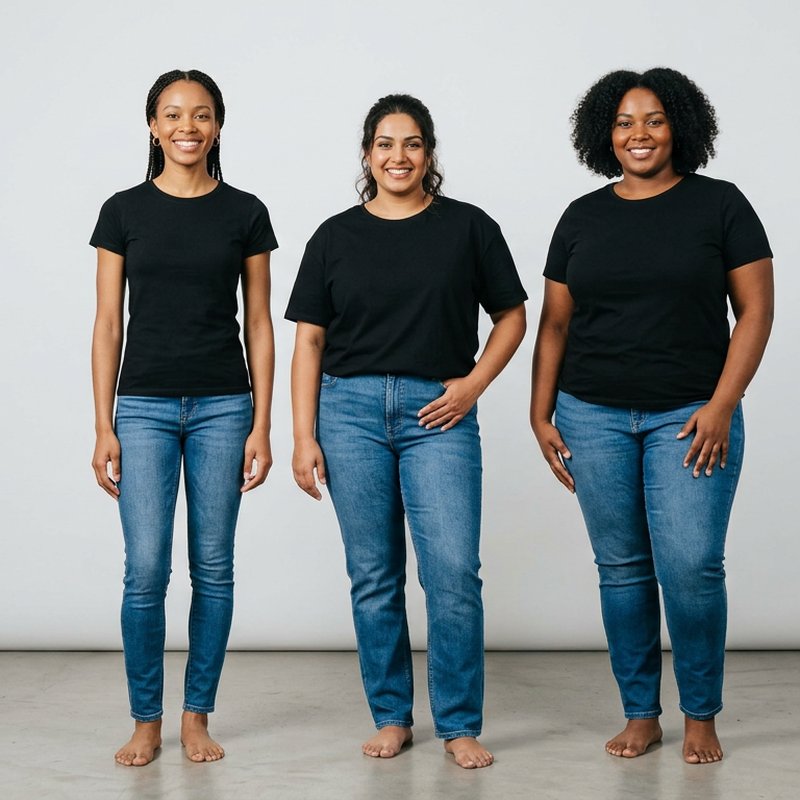
One Tee on Every Body Type
Shoppers want to see the shirt on someone like them. Render the same design on slim, curvy and plus-size models across skin tones, with matching light, without booking a model for each size.
- Straight, curvy and plus-size models
- Diverse skin tones and ages
- Fit control from slim to oversized, tucked or untucked
- Consistent lighting across a whole store
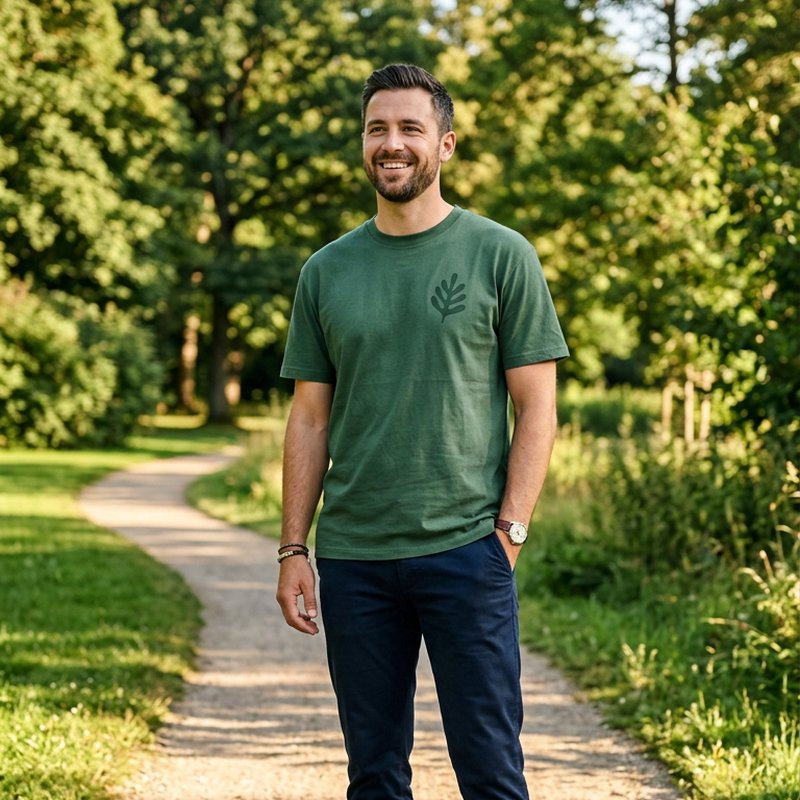
Men's, Women's and Unisex Tees
Most merch is unisex, so most listings need both. Put the same shirt on men and women, then pair clean studio shots for marketplace listings with outdoor and street scenes for ads and social.
- Men and women preset models, or upload your own
- Clean studio shots for Shopify and Etsy listings
- Street, park and lifestyle scenes for ads
- Cleared for commercial use on your store and ads
Questions t-shirt sellers ask before they start.
Can I turn a t-shirt mockup or flat-lay into an on-model photo?
Yes. Upload a flat-lay, hanger shot or mockup image of your tee and TinTin renders it on a realistic AI model in about a minute, keeping the graphic, print colors and neckline of your design.
Will the print or graphic stay in the right place?
Yes. The graphic stays where it sits on your shirt, at the same scale, and follows the fabric naturally instead of floating on top like a flat template.
How is this different from a t-shirt mockup template?
A mockup template pastes your design onto a stock photo that other shops also use. TinTin starts from your own shirt and renders it on a model you choose, across body types, skin tones and scenes, so your listings look like your brand.
Can I show the same tee on men and women?
Yes. Pick men and women preset models of different body types, or upload your own model photo once and reuse it across every design.
Is there a free way to try the AI t-shirt model generator?
Yes. You can try it free on your own t-shirt photo before choosing a plan, with no photoshoot or design skills needed.
Where can I use the generated images?
Anywhere: Shopify and Etsy listings, marketplaces, social ads, lookbooks and email campaigns. Generated visuals are cleared for commercial use.
Put Your Tees on Models Today
Generate true-to-print on-model t-shirt photos in about a minute, no samples or photoshoot required.