Video Replicate
Recreate viral product videos with your product
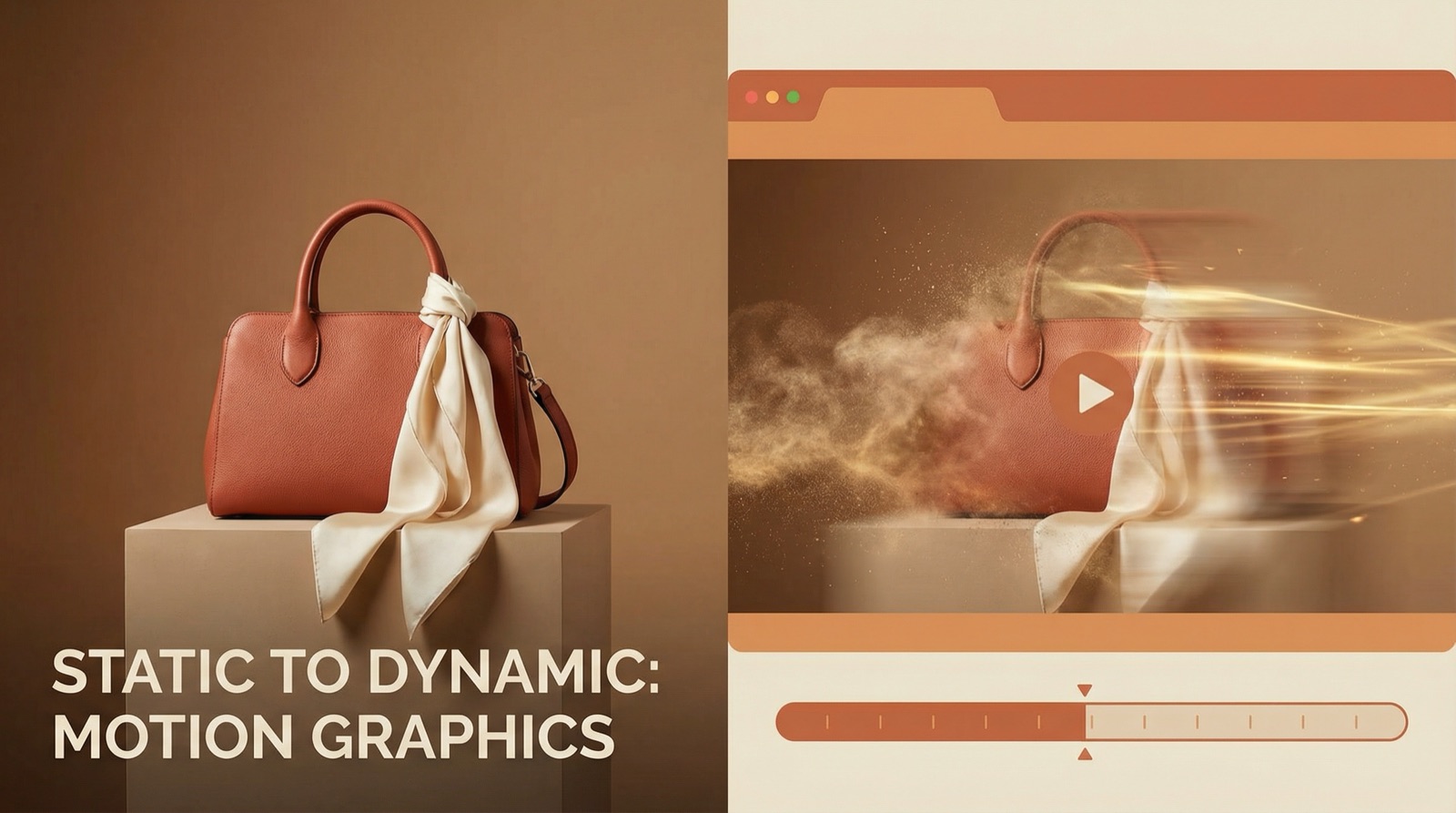
Found a product video that converts? Upload it as a reference, add one photo of your own product, and TinTin rebuilds the video around your brand — same pacing, same energy, your product in every frame.
How it works
- 1
Upload a reference video
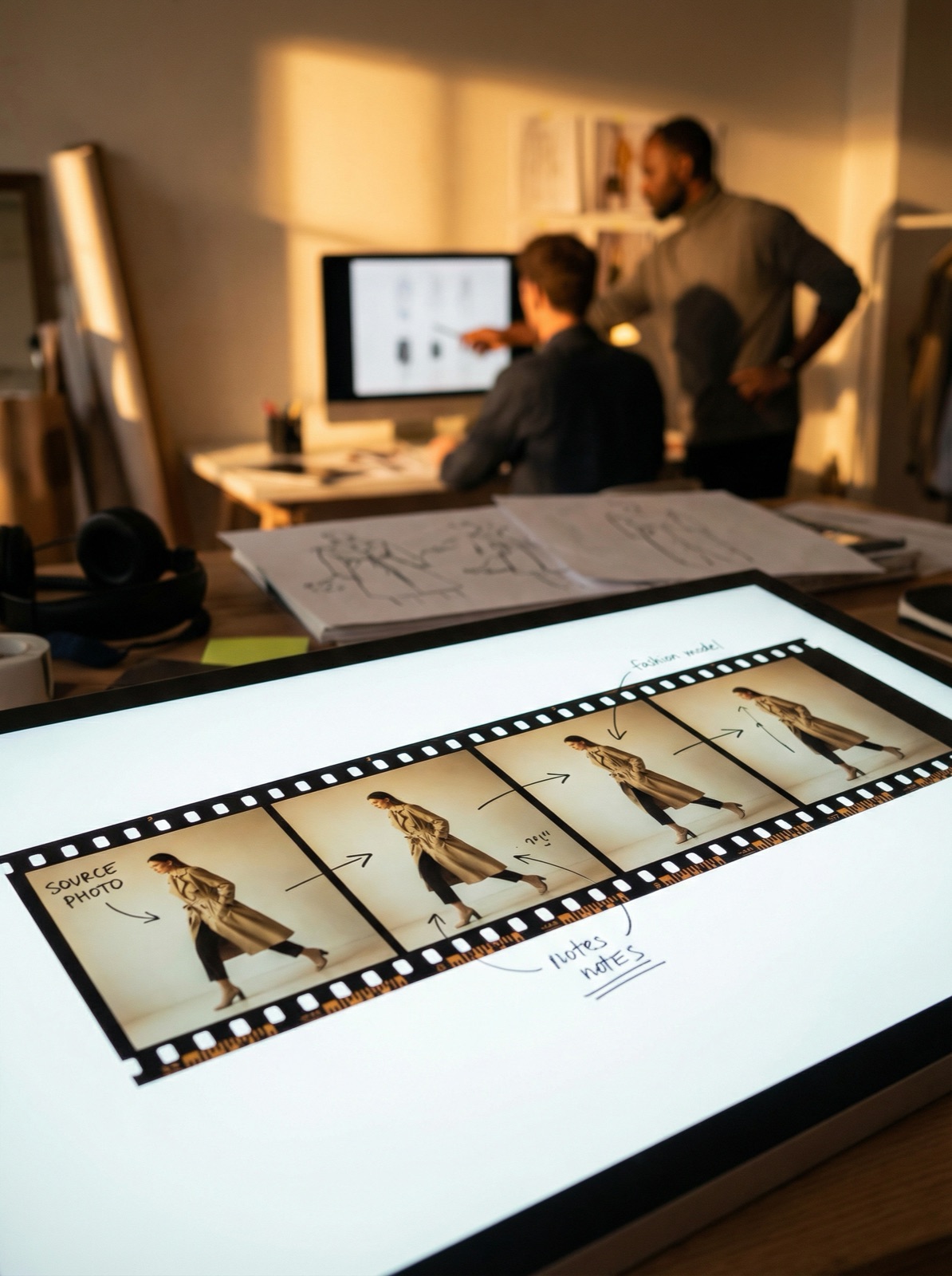
Any product video that fits your vibe — a competitor ad, a viral clip, or your own past footage. Up to 5 minutes; the pipeline splits it into scenes automatically.
- 2
Add your product
One clean product image is enough. Choose product mode to swap the featured item, or model mode to restyle the presenter while keeping the flow.
- 3
Generate and review
Watch the pipeline run scene by scene, preview every intermediate clip, and regenerate any take with a tweaked prompt until it's publish-ready.
Frequently asked questions
- What do I need to start?
- Just two files: a reference video (the look you want) and a photo of your product. No filming, no studio, no editing timeline.
- How long can the reference video be?
- Up to 5 minutes. Longer references are processed in chunks and stitched back together, so pacing and transitions survive.
- Can I keep the original audio?
- Yes — by default the original soundtrack is kept in product mode. You can mute it, or in model mode re-sync lips to the new presenter.
- Is it free to try?
- Create an account and you get free credits to run your first generation. Paid plans add monthly credits for higher volume.