Nail Studio · Try-On
Nail try-on: see any press-on design on a real hand
Upload a flat photo of a press-on nail set, pick a hand model, and Tintin renders a photorealistic on-hand try-on in seconds — the listing visual you'd normally need a hand-model photoshoot for. Built for press-on sellers who need clean, consistent product shots at catalog scale.
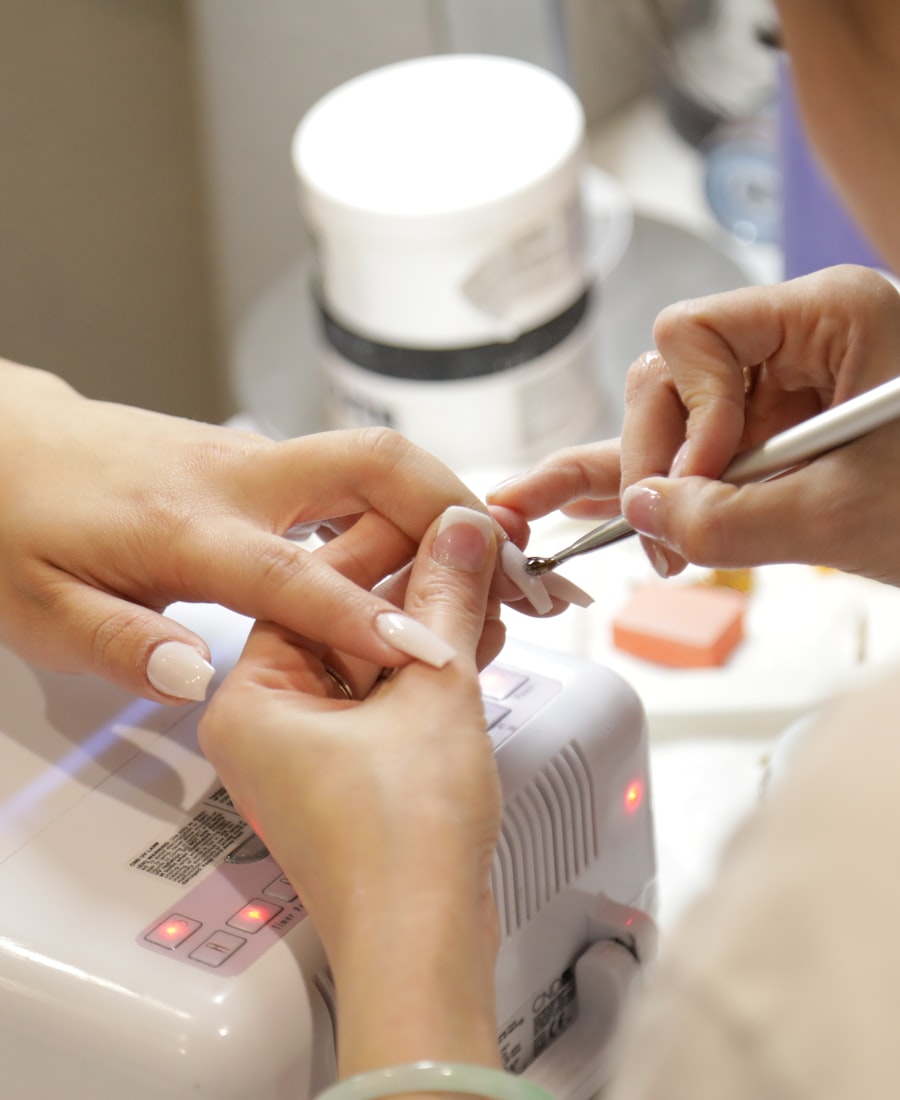
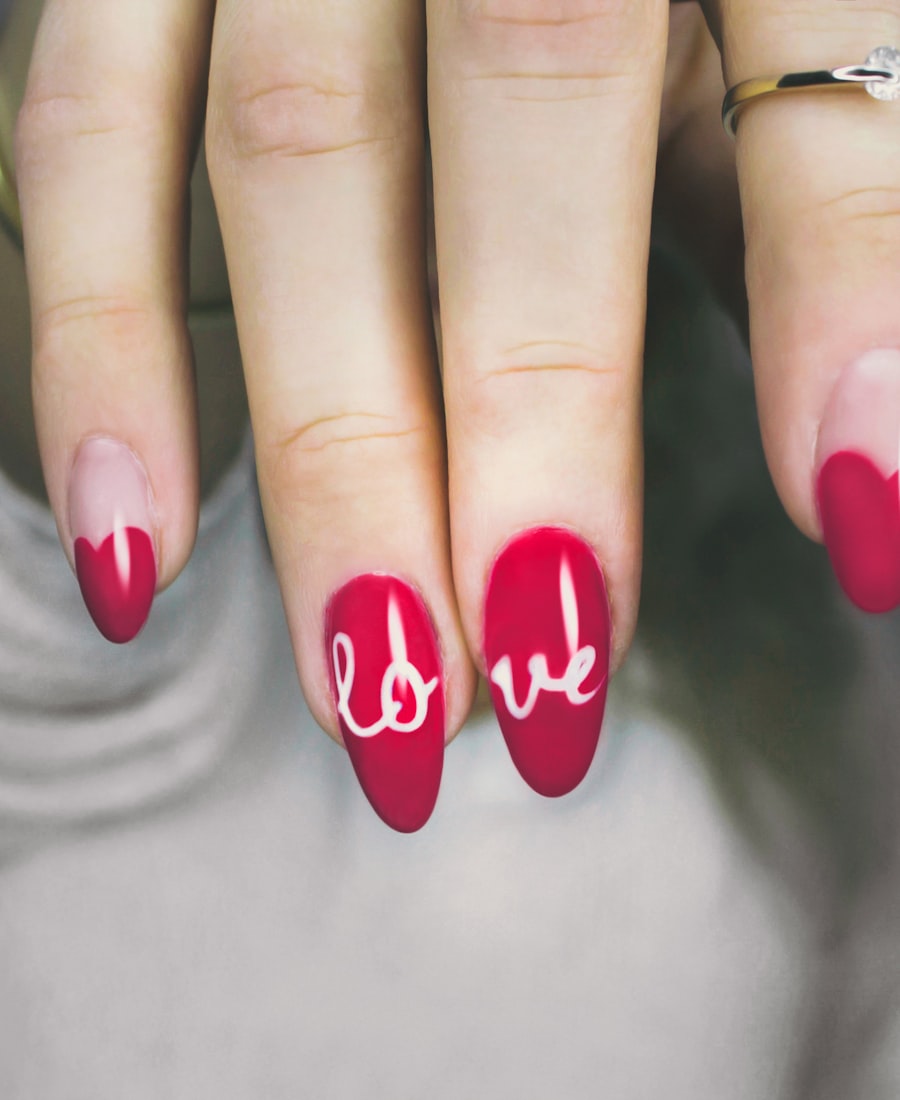
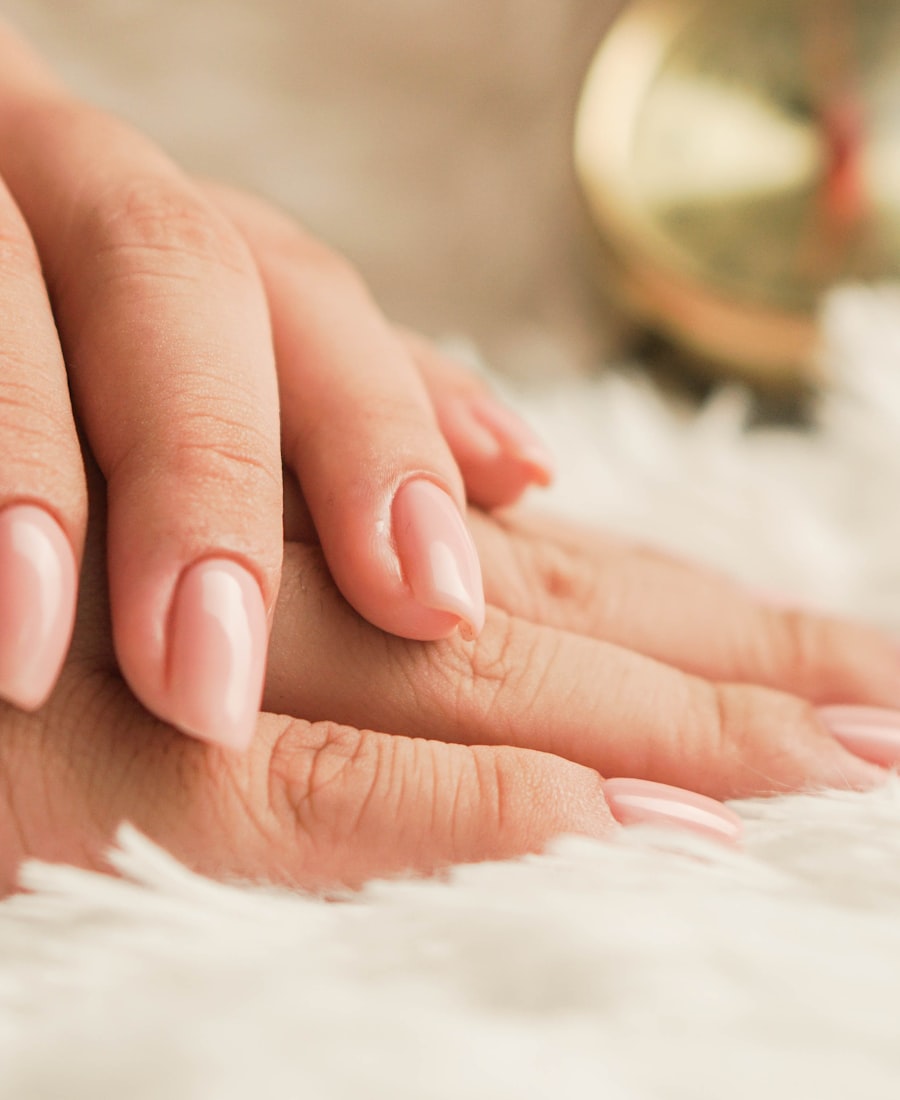
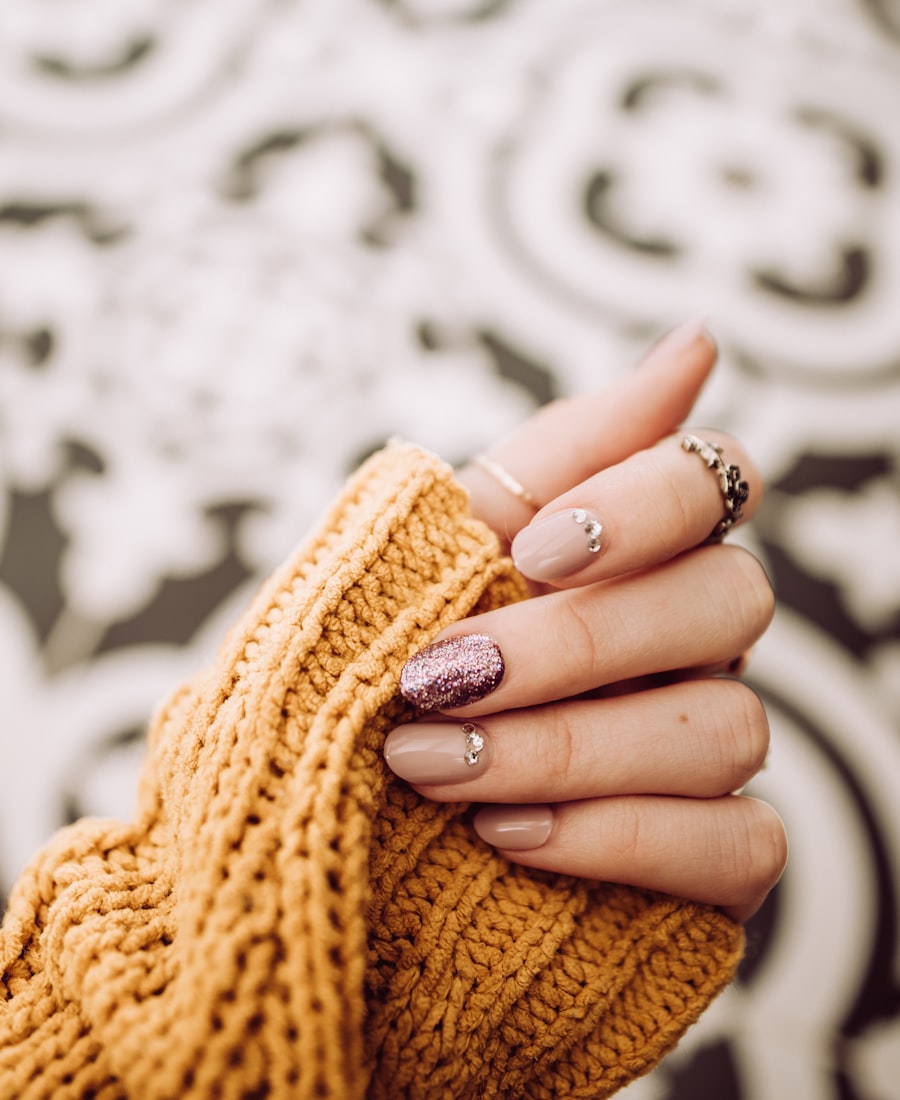
How it works
- 1
Upload your nail set
A single flat photo of the ten tips is enough — no studio, no hand model, no retouching.
- 2
Choose a hand & skin tone
Pick from a library of hand models and skin tones so the set matches the buyer you're selling to.
- 3
Generate the try-on
Get a photorealistic on-hand shot in seconds, ready to drop straight into your listing.
Frequently asked questions
- What is nail try-on?
- Nail try-on turns a flat photo of a press-on nail set into a photorealistic image of that set worn on a hand model — the on-hand listing visual sellers use instead of a physical hand-model photoshoot.
- Do I need a hand model or a photo studio?
- No. You upload one flat photo of the nail set; Tintin generates the on-hand result. There is no photographer, hand model, or retouching involved.
- Can I choose the hand shape and skin tone?
- Yes. You pick from a library of hand models, nail shapes, and skin tones so each try-on matches the audience you're selling to.
- Is it free to try?
- Yes — you can create an account and run your first try-ons for free. Paid plans add more monthly credits for higher volume.