Know what to shoot next
Seasonal shoot guides land before every retail moment — Labor Day, Halloween, fall/winter — with shot-by-shot briefs and prompts that run as-is in the studio. Your catalog stays styled for the season buyers are shopping.
 TinTin
Lingerie & swimwear on a model in minutes. Try one free below, no signup.
Built for lingerie and swimwear sellers. Upload a product photo of a bra, briefs, bikini or one-piece and get a listing-ready on-model shot in minutes, front and back, in the categories many AI tools refuse. Seasonal shoot guides tell you what to shoot next, and free Shop Radar flags listing photos going stale. No model, no photoshoot.
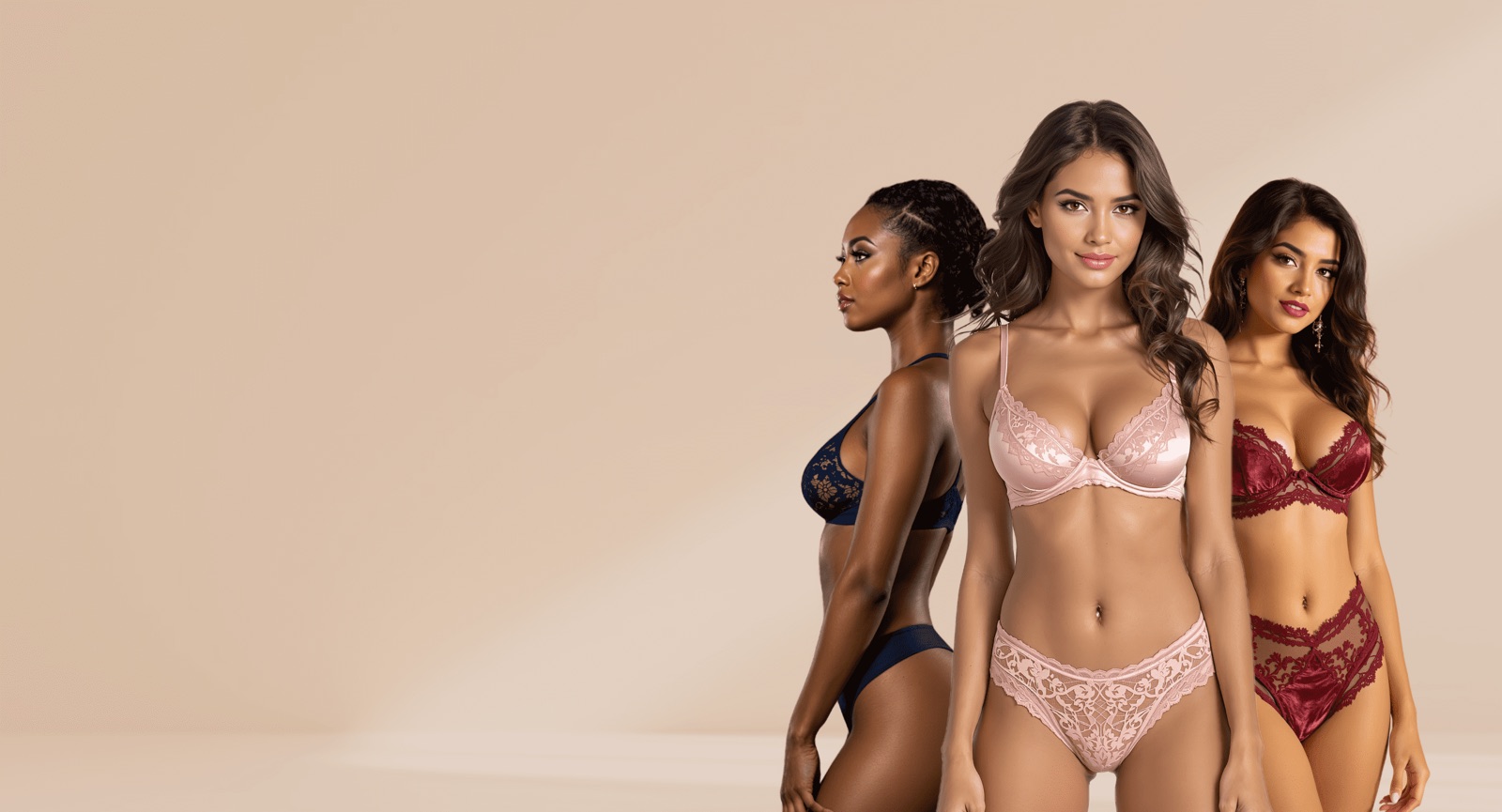


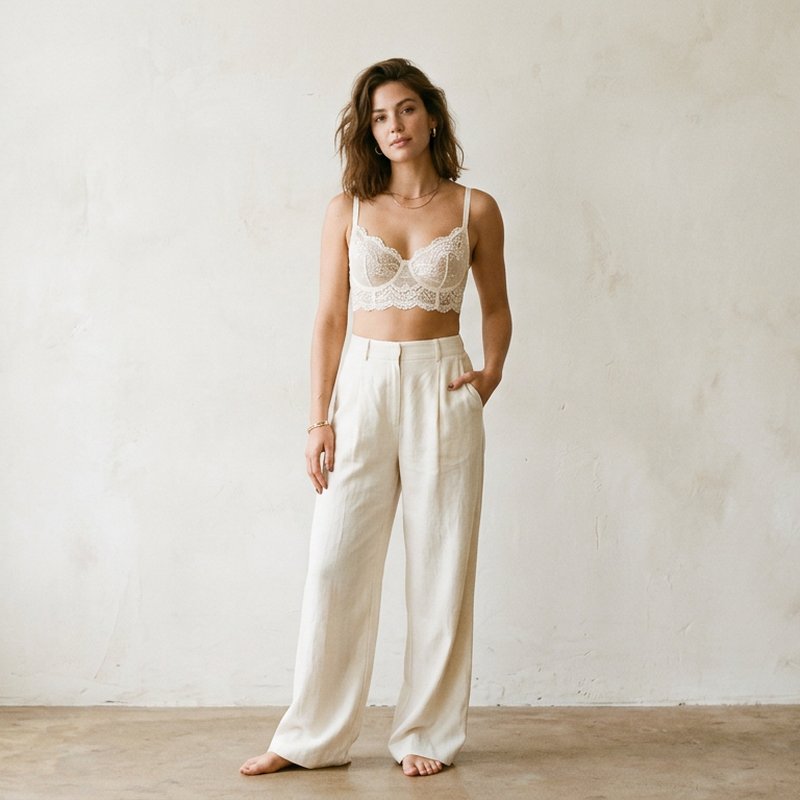

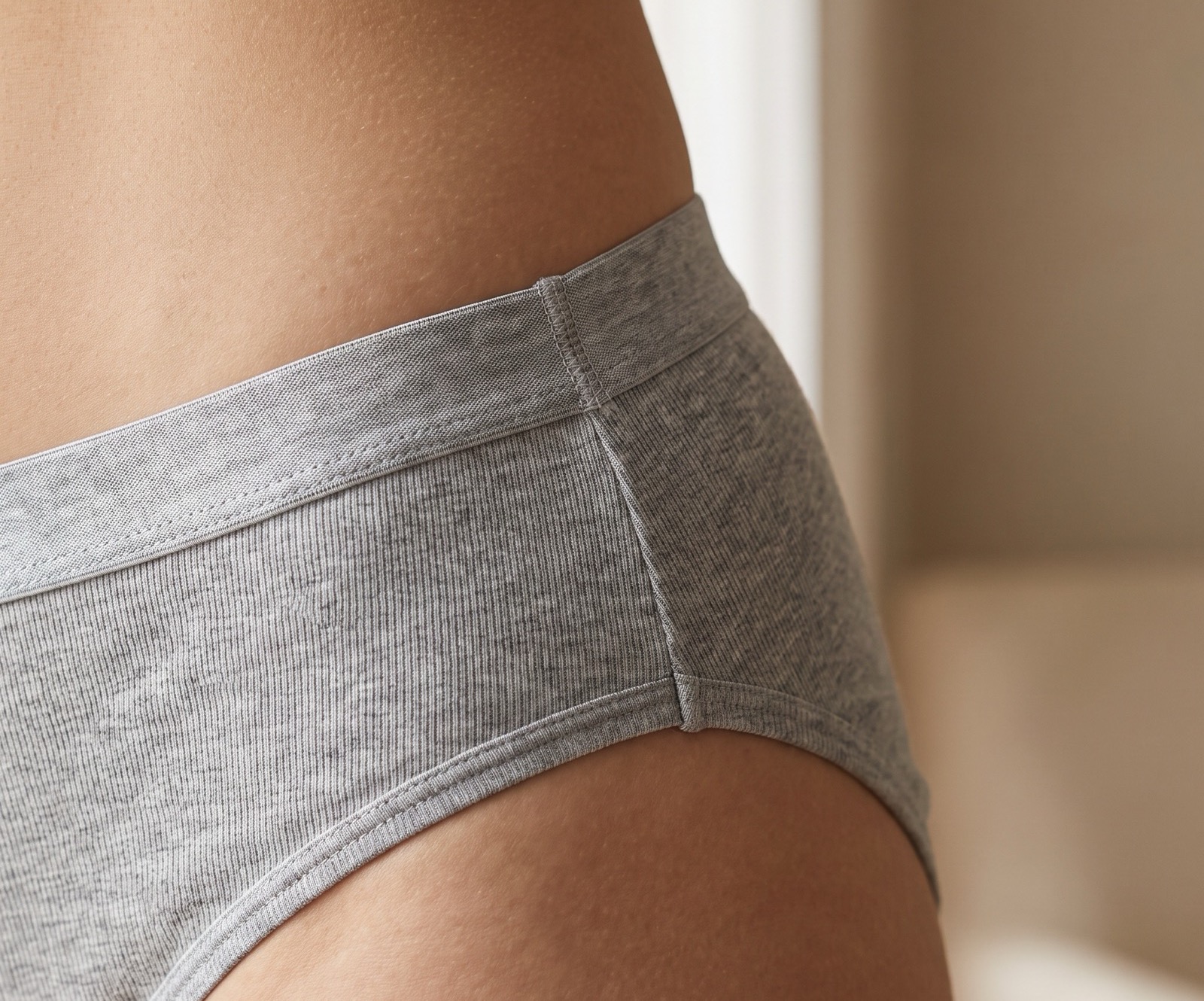
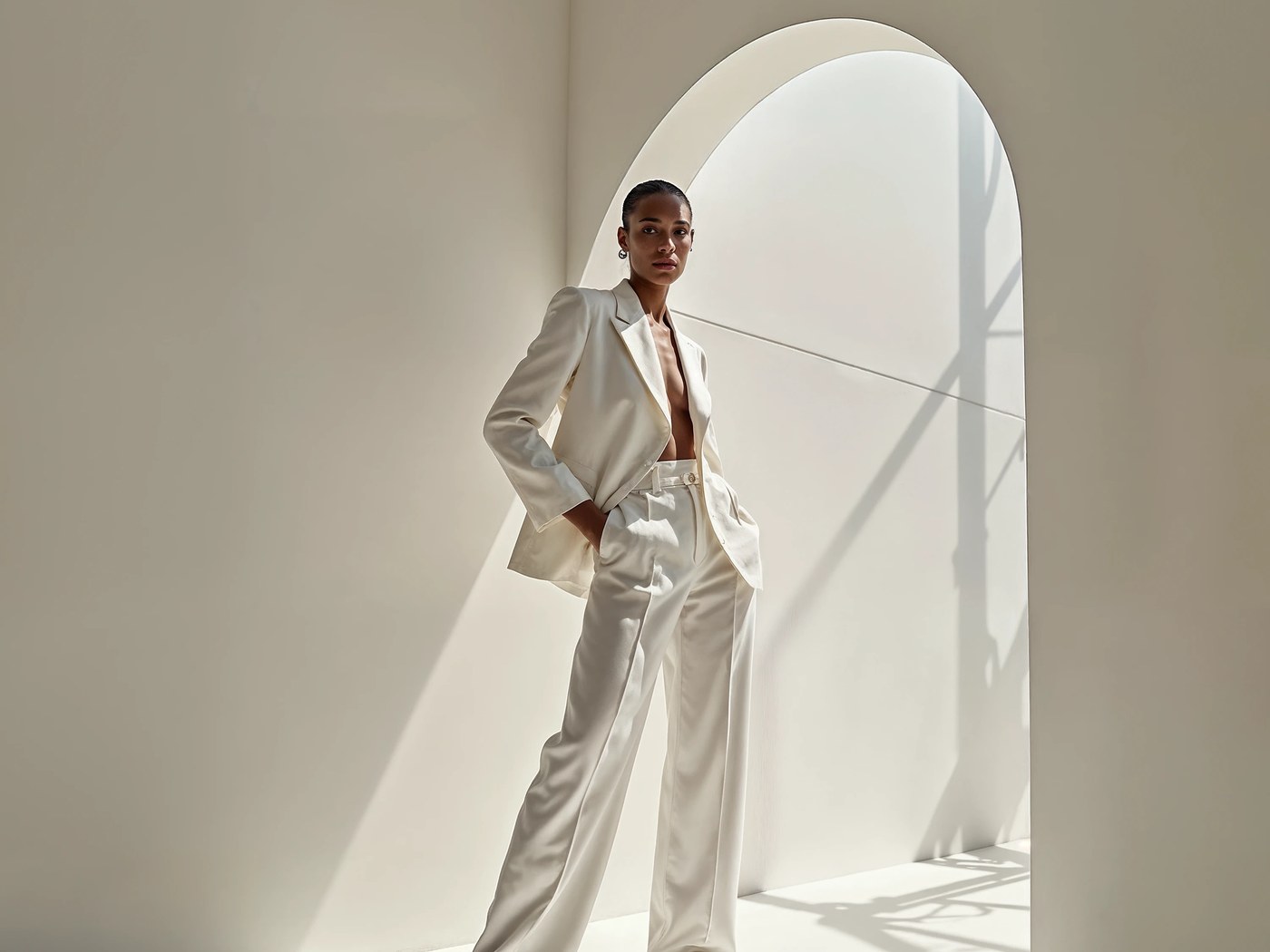
150+ more models after you sign up.
Trusted by teams that move fast


TinTin is the AI style guide for fashion ecommerce: it tells you what to shoot for the season ahead, watches your live listings for photos going stale, and reshoots them on-model with AI — replacing the model photoshoot end to end.
The loop has three parts. Seasonal shoot guides arrive before each retail moment with ready-to-run shot briefs and prompts. Shop Radar — free forever — checks your listing photos every day across Shopify, Etsy, Amazon and five more platforms, and flags the ones that read as stale or out of season. And the AI try-on studio turns any flagged photo into a studio-grade on-model reshoot in minutes: pick the model, pose, and scene, and outputs come listing-ready for Amazon, Shopify, TikTok Shop, and ads.
It is built for apparel, swimwear, and fashion ecommerce brands, and the same photoreal rendering powers a wider suite of AI visual-commerce tools — nail art try-on, ghost mannequin, background changer, and more.
Seasonal shoot guides land before every retail moment — Labor Day, Halloween, fall/winter — with shot-by-shot briefs and prompts that run as-is in the studio. Your catalog stays styled for the season buyers are shopping.
Shop Radar — free forever — checks your listing photos every day and flags the ones aging out or styled for the wrong season, with a one-click AI reshoot ready. You only spend credits when you choose to reshoot.
Model day-rates, studio rental, retoucher fees, and a week of turnaround — replaced by one upload and a few minutes of rendering, on every size, body type, and skin tone you sell to.
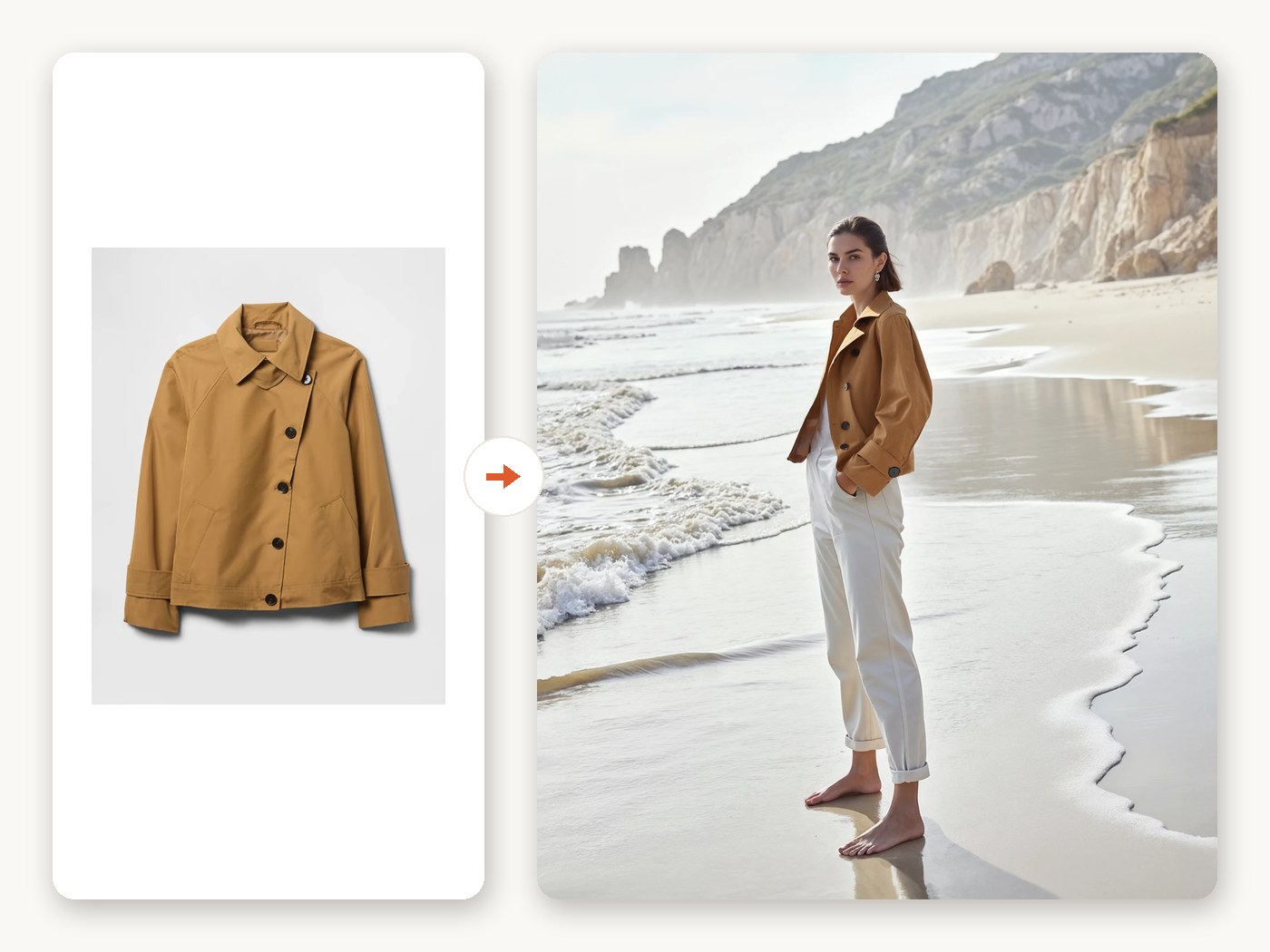
Upload a garment, pick a model and scene, and TinTin returns studio-grade on-model visuals for every SKU — listing heroes, pose variants, try-on video, and the listing copy to go with them.
Everything you need to turn a rack of product shots into a storefront full of professional, on-model fashion photography.
Replace day-rates, studio rental, and a week of turnaround with an upload and a few minutes of rendering. Launch a new collection without booking anyone.
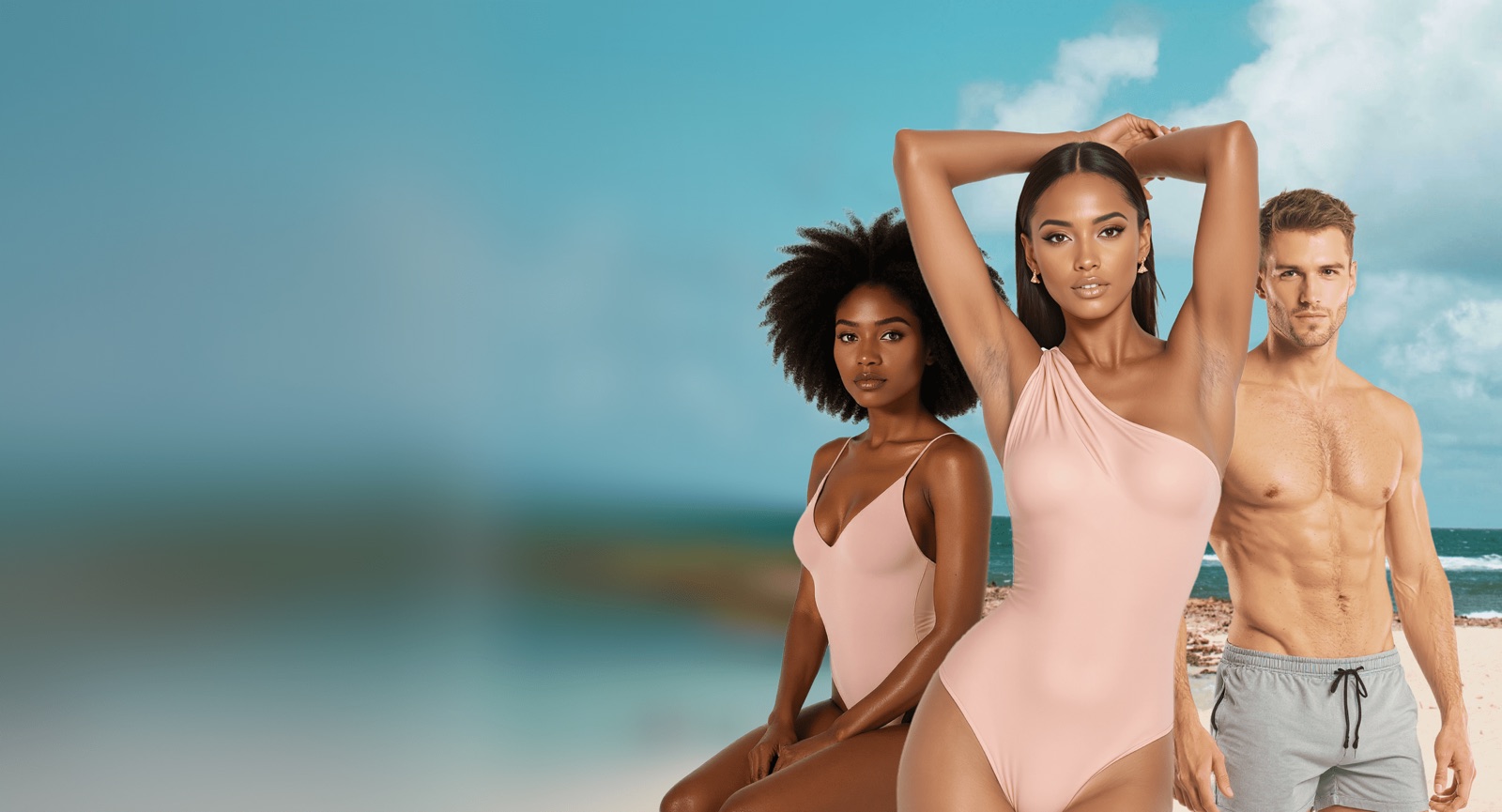
Swimwear, lingerie, bras, sleepwear and bodywear render cleanly on preset models. The categories most AI tools block are first-class here, with the same listing-grade quality.
Start with a single garment, then scale the same model and scene across every row of a spreadsheet — a full collection rendered in one batch run.
No studio, no model booking, no retouching queue. Upload, choose, generate, publish.
Drop in any product shot — flat-lay, ghost mannequin, hanger, or an existing on-model photo. One image per SKU is enough.
Choose from the preset model library across sizes and skin tones — or bring your own model photo — then set the scene and fit details.
Get back the on-model hero in up to 4K, then add pose variants and a short try-on video. Approve, tweak, or regenerate per image.
Download the full listing pack — platform-sized images for Amazon, Etsy, Shopify, and social, plus AI titles, descriptions, keywords, and tags.
We launched a 60-piece drop in a day. No model, no studio — and our listings finally look like the big brands.

Showing every piece on different body types cut our returns and doubled add-to-cart on the new collection.

My photo cost per SKU dropped about 95% — I reinvested it into ads and the store finally scales.

Sell more than apparel? TinTin's wider AI visual-commerce toolkit covers nail art try-on, ghost mannequin, background changer, and more.
Explore all use cases →Apparel is just the start. The same TinTin account — and the same credits — also covers full-catalog production, nail art try-on, and free daily listing monitoring.
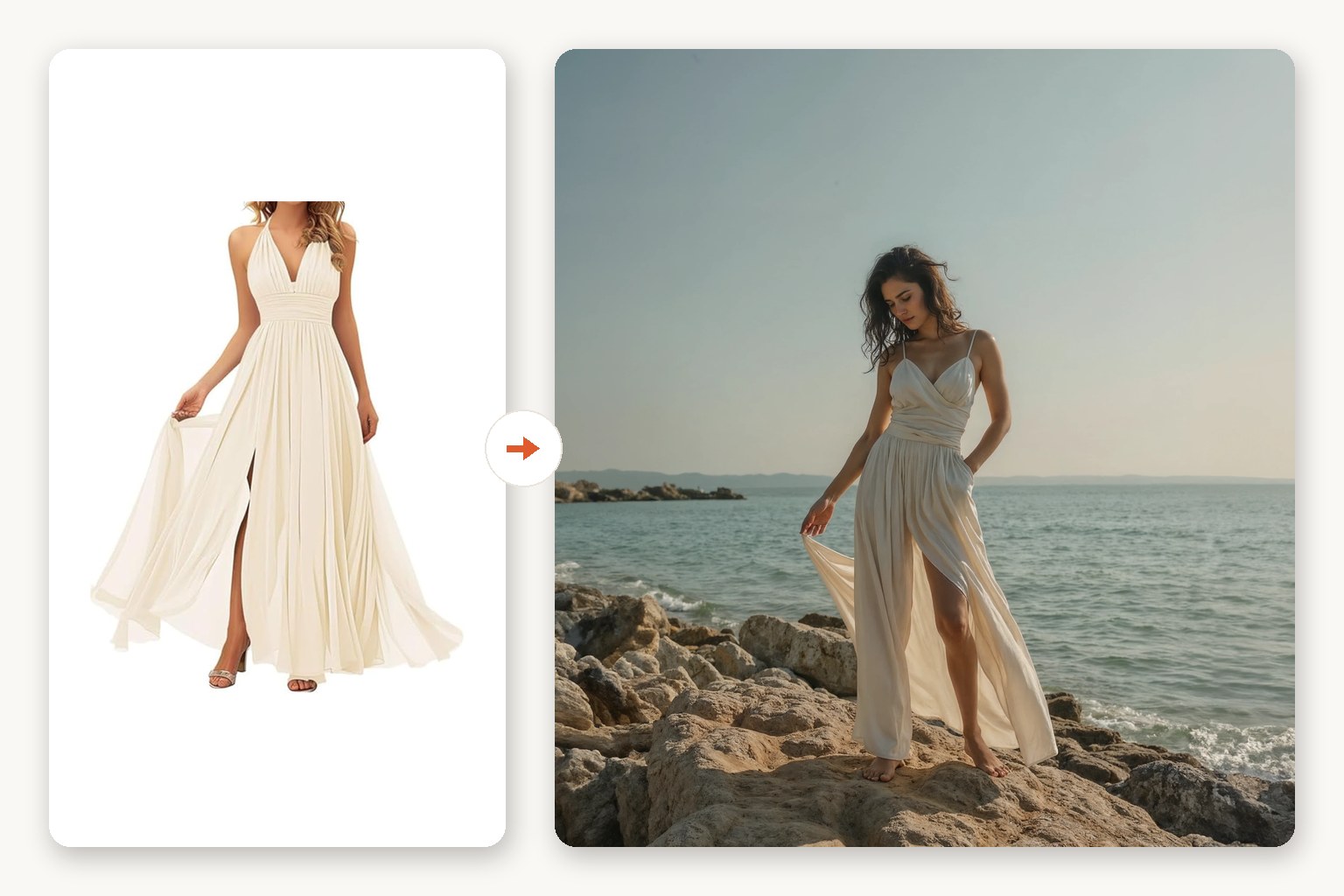
One product photo becomes a studio-grade on-model shot. Pick the model, pose, and scene — listing-ready for Amazon, Shopify, and ads.
Upload a spreadsheet or zip of SKUs and get consistent on-model visuals for every row — a whole collection in one run, not one photo at a time.
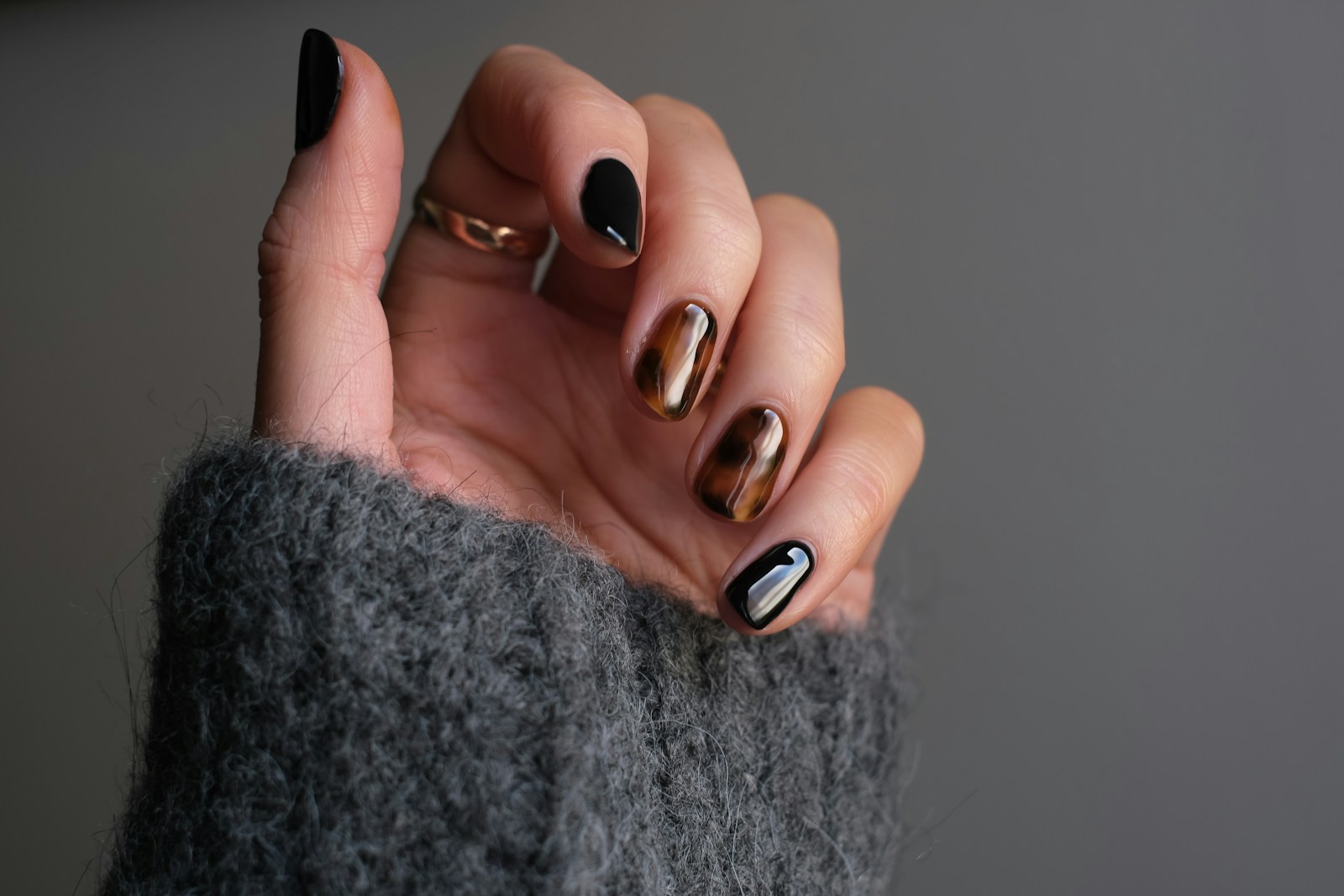
Turn a flat-lay of tips into photoreal on-hand shots, clean thumbnails, lifestyle scenes, and showcase clips — every shape, length, and skin tone.

Radar checks your listing photos every day and flags the ones gone stale or out of season — with a one-click AI reshoot ready to go. Works with Shopify, Etsy, Amazon, WordPress, Wix, Squarespace, BigCommerce and eBay. No permissions, just a link.
Short answer: you get the same listing-grade on-model photography for roughly 95% less cost and in minutes instead of weeks — without booking a model, studio, or retoucher.
| What matters | TinTin (AI on-model) | Model photoshoot |
|---|---|---|
| Cost per SKU | ~95% lower | Model day-rate + studio + retoucher |
| Turnaround, 100 SKUs | ~1 day | Days to weeks (book → shoot → retouch) |
| Models, sizes & skin tones shown | Any model, every size — on demand | Limited to the models you book |
| Swimwear & lingerie SKUs | Rendered like any other garment | Specialist models & higher rates |
| Tweak or re-shoot a SKU | Re-render in minutes | Re-book and re-shoot |
| To get started | Upload one product photo | Book model, studio & retoucher |
| Price to try | Free: preview with no signup, then 10 free credits with no card. Plans from $10 a month | A full shoot day before you see one photo |
See the full workflow & examples: Garment Try-on, step by step →
Comparing us with another AI try-on tool instead? See how TinTin stacks up →
Still shortlisting? Five AI try-on tools compared, prices sourced →
Pick one that keeps your exact garment (lace, prints, straps and trims) instead of inventing a similar one, offers models across sizes and skin tones, and lets you test before paying. TinTin was built for lingerie and swimwear sellers first: upload a flat-lay or packshot of a bra, briefs or bikini and get it back on a photoreal model. You can try it on this page with no signup, and a free account gets 10 free credits, no card.
Yes. The try box near the top of this page runs without an account: upload a product photo and you get a watermarked preview on a model. Sign up when you want the full-resolution file. New accounts get 10 free credits with no card.
A 2K render costs 1 credit and a 4K render costs 2. One-time packs are 10 credits for $4.99 or 30 for $14.99, with no subscription, and pack credits never expire. Monthly plans bring a credit down to $0.40 to $0.50.
Dresses, activewear, modest wear, sarees, childrenswear on AI kid models, jewelry and press-on nails each have their own page under Use cases.
Our buyer's guide compares five AI try-on tools side by side, with prices sourced and dated.
We build photoreal on-model rendering for the categories ecommerce actually sells — from full garments down to the hardest detail work like hands and nails. The same technology powers a wider suite of AI visual-commerce tools.
Our core team comes from AWS and leading global tech companies, bringing deep expertise in AI infrastructure, computer vision, and scalable SaaS product development.
Built on cutting-edge AI research, TinTin specializes in photoreal hand and on-model rendering — the detail and realism that listing-grade product photography demands.
TinTin is part of the Hong Kong Science Park incubation program, recognized for its innovative approach to AI-powered visual content creation.
Send us five product shots and we'll send back the listing visuals — no commitment. Or drop us a line; we read everything.